Short answer: a WooCommerce store in Syria can send a WhatsApp OTP at sign-up, login or checkout by using a verification plugin that supports official WhatsApp, with the codes sent through Talkalize. One code to a Syrian number costs $0.0102–$0.0109, or $12 per 1,000 codes with the Syria bundle, which never expires.
This guide is for store owners and WordPress developers who want shoppers to sign in with their phone number instead of a password they keep forgetting, and who want to know that the number on an order really belongs to the person who placed it. We cover where to ask for the code, how to pick a plugin, and what each choice does to your monthly bill. For the service itself, see the WhatsApp OTP service from Talkalize.
Before you install a plugin: six facts that shape the decision
- WooCommerce does not send verification codes on its own. Its default login uses a username or email plus a password. Phone-number login comes from extensions such as "Registration & Login with Mobile Phone Number", listed on WooCommerce.com.
- Some plugins already support official WhatsApp. That extension's documentation lists a "WhatsApp Meta" option next to its SMS gateways and requires an approved authentication template.
- Meta fixes the message wording. An authentication template uses preset text for the code, an optional security line and an optional expiry notice you can set from 1 to 90 minutes.
- Copy-code buttons work everywhere, and one-tap autofill works on Android, so shoppers rarely type the digits by hand.
- You pay per code sent: from $0.0102 to a Syrian number, with no minimum top-up.
- Talkalize is a Meta-verified Tech Provider, and codes go out through the official WhatsApp Business API, not through a personal number linked by QR code.
Where should a WooCommerce store ask for a WhatsApp OTP?
The most common mistake is switching the code on everywhere at once. Every checkpoint adds a step for the shopper and a cost for you, so decide each one on its own merits.
At account creation
This is the checkpoint that matters most. One code per new customer proves the number is real and active on WhatsApp, and it blocks the duplicate accounts people open to reuse a welcome coupon.
At every login
Useful when you remove passwords completely, but it multiplies the number of codes. A balanced option: ask for a code only on a new device or browser, and keep the session open on the shopper's usual phone for weeks.
At guest checkout
If your store allows buying without an account, ask for a code when a guest enters a number you have never verified, especially on large or cash-on-delivery orders. A known customer does not need a code on every order.
When a customer changes their phone number
A small step that keeps order history and loyalty points from moving to a stranger's number. Send the code to the new number before saving it.
Price sheet for Syrian numbers, checked 16 November 2026
| Item | Price | Note |
|---|---|---|
| Authentication (OTP) message to a Syrian number | $0.0102 – $0.0109 per message | Pay as you go, no minimum |
| Syria OTP bundle | $12 per 1,000 messages | No expiry |
| Utility notifications (e.g. order confirmation) | $0.0102 – $0.0109 | Utility category |
| Replies to a customer who messaged you | $0.0011 – $0.0012 | Service messages |
| Monthly platform plans | Starter $49, Growth $89 | 7-day free trial |
Prices come from Talkalize's live tables; the calculator on the WhatsApp API pricing page for Syria and the Gulf is the final reference, and per-message prices drop as volume grows.
A perfume store with 1,500 logins a month: two very different bills
Picture a perfume and cosmetics store in Damascus that gets about 400 new customers a month, while existing customers sign in around 1,100 times.
- Code at every sign-up and every login: 1,500 codes × $0.0102–$0.0109 = $15.30–$16.35 a month.
- Code at sign-up and on new devices only: 400 codes for new accounts plus roughly 150 for new devices = 550 codes, or $5.61–$6.00 a month.
Money is only half the difference. In the second setup a regular customer walks straight in without waiting for a message. If you prefer a fixed, easy budget, one $12 bundle of 1,000 codes covers almost two months of the second setup, and whatever is left carries over.
How to choose a verification plugin that works with official WhatsApp
Before you buy, check these points on the plugin page or ask the developer who sells it:
- Does it send through an official authentication template? Plugins that link your number by QR code rely on unofficial tools and put the number at risk of a ban. We explain the difference in official WhatsApp API vs unofficial tools in Syria.
- Can it use an outside sending provider? Some plugins, such as Digits, mention "multiple WhatsApp gateway integrations"; others limit you to a fixed list. If none fits, your developer can connect the plugin to Talkalize's API to send the code.
- Does it limit repeat requests? It should block more than one code per number per minute and stop after a set number of attempts, so the login form never turns into a drain on your balance.
- Does it handle Arabic and right-to-left layouts? The code field has to look right inside your Arabic theme.
- Does it clean up phone numbers? Syrian shoppers usually type a leading 09, while sending needs the international +963 format without the zero. A good plugin converts it automatically.
- Does it offer a fallback? Email or SMS for the few customers who do not use WhatsApp.
Setting it up, step by step
- Open a Talkalize account and start the 7-day free trial, then connect your store's WhatsApp number, ideally a dedicated business number rather than a personal one.
- Create the authentication template in Arabic, choose the copy-code button, turn on the security line and set expiry to 10 minutes.
- Add balance on pay as you go, or buy the Syria bundle.
- Install the verification plugin on a staging copy of the store first, never on the live shop.
- Connect the plugin to sending through Talkalize and choose the checkpoints from the section above.
- Test with numbers on two different networks and on both Android and iPhone: check the code arrives, the copy button works and a wrong code shows a clear error.
- Move the settings to the live store and, in the first week, watch how many shoppers who requested a code finished verifying.
What the shopper sees on WhatsApp
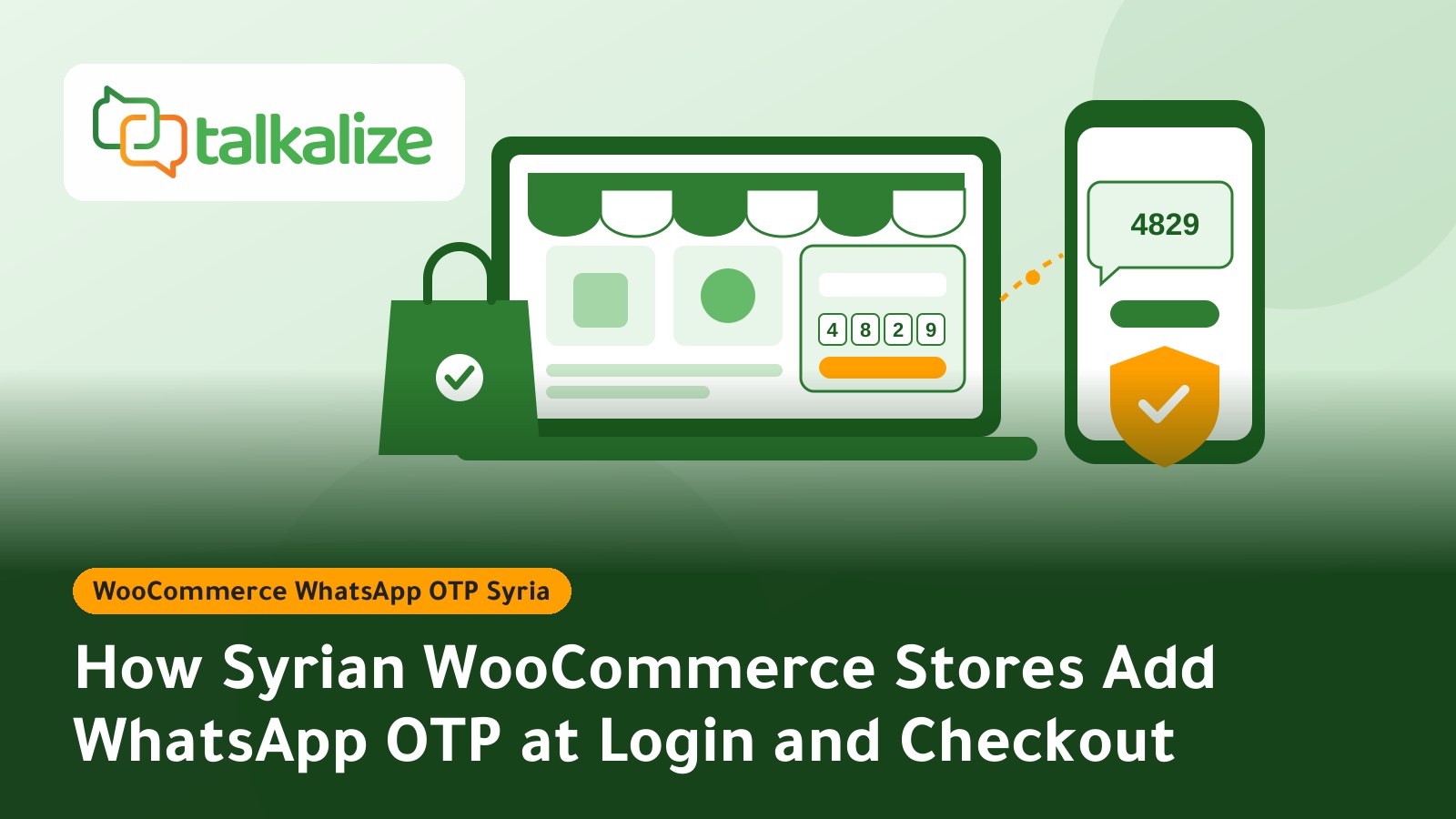
You cannot add marketing text to the code message; Meta enforces fixed wording, which keeps it short and trustworthy. It arrives roughly like this:
482913 is your verification code. For your security, do not share this code. This code expires in 10 minutes.
[Copy code]
A welcome note or order confirmation goes in a separate utility message, as shown in our guide to confirming cash-on-delivery orders on WhatsApp.
Syrian conditions that shape the verification page
- DataReportal's Digital 2026 report counts 9.25 million internet users in Syria, 35.8% of the population, against 20.1 million cellular connections. Most of your shoppers buy from a phone on mobile data.
- The same report puts median fixed download speed at 3.35 Mbps, against 24.69 Mbps on mobile. Keep the code page light and do not set a very short expiry: ten minutes leaves room for a slow connection.
- The copy button and Android autofill shorten the jump between browser and WhatsApp, which is exactly where many shoppers give up.
- Verification proves the shopper controls the number on WhatsApp, not that the address is right or the order is serious, as the Digits plugin page itself points out. Confirming the order before the courier leaves stays a separate step.
Examples from Syrian WooCommerce stores
Perfume and cosmetics store
It gives a discount coupon to every new account. With a code at sign-up, opening several accounts on fake numbers to reuse the coupon becomes hard, because each account needs a number that actually receives the code.
Bookshop and stationery in back-to-school season
Parents order book lists and supplies once or twice a year and forget their password between seasons. Logging in with a WhatsApp code removes the forgotten-password problem altogether, and the cost is limited to the busy weeks.
Furniture and home décor store
Orders are high value and need a truck and a delivery slot. The store asks for a code at checkout for new guests only, so it knows the number the delivery team will call is correct before reserving the piece in the warehouse.
Pantry goods store
Olive oil, za'atar and makdous ship to other governorates, and many orders are placed by relatives for family at home. Verifying a new recipient number cuts the deliveries that fail because the number was mistyped.
When you do not need a verification code at all
If you get few orders and most of them start in a WhatsApp chat, the chat already proves the number, and a WhatsApp catalogue for your store may suit you better than website accounts. If most of your customers live outside Syria and use email for work, email with WhatsApp as a second option may be enough; we compare both in email OTP vs WhatsApp OTP for Syrian apps.
Start with Talkalize
Set up the authentication template and send your first test code to your own number during the trial. For full details on the WhatsApp OTP service for stores and apps, or to buy the $12 Syria WhatsApp OTP bundle (Arabic page), visit those pages and pick the plan that fits the size of your store.
Frequently Asked Questions
Can WooCommerce's default login send a WhatsApp code without a plugin?
No. WooCommerce's default login uses a username or email and a password. You need a phone-login plugin that supports official WhatsApp, with codes sent through Talkalize from $0.0102 per code to a Syrian number.
Should a returning customer get a code every time they sign in to the store?
Not necessarily. A balanced setup asks for a code at account creation and on a new device or browser only. In a store with 1,500 logins a month that cuts codes to about 550, or $5.61–$6.00 instead of $15.30–$16.35.
Does a WhatsApp code at checkout stop every fake cash-on-delivery order?
It reduces them but cannot stop all of them. The code proves the shopper controls the number on WhatsApp, not that the address is right or the order is serious. Add an order confirmation message before the courier leaves, at $0.0102–$0.0109.
What happens if a guest types their number starting with 09 instead of +963?
Sending needs the international +963 format without the leading zero. Pick a plugin that converts the number automatically, or ask your developer to add that conversion before sending, otherwise the code will not arrive.
Can I keep my current SMS plugin and add WhatsApp alongside it?
Often yes, because many plugins support more than one channel. Make WhatsApp the first channel for Syrian numbers and keep SMS or email as a second option for the few customers who do not use WhatsApp.
Do codes in the $12 bundle go to waste if my store has a quiet month?
No. The Syria OTP bundle gives 1,000 messages for $12 with no expiry, so unused codes stay available for busy seasons such as back-to-school or Eid.