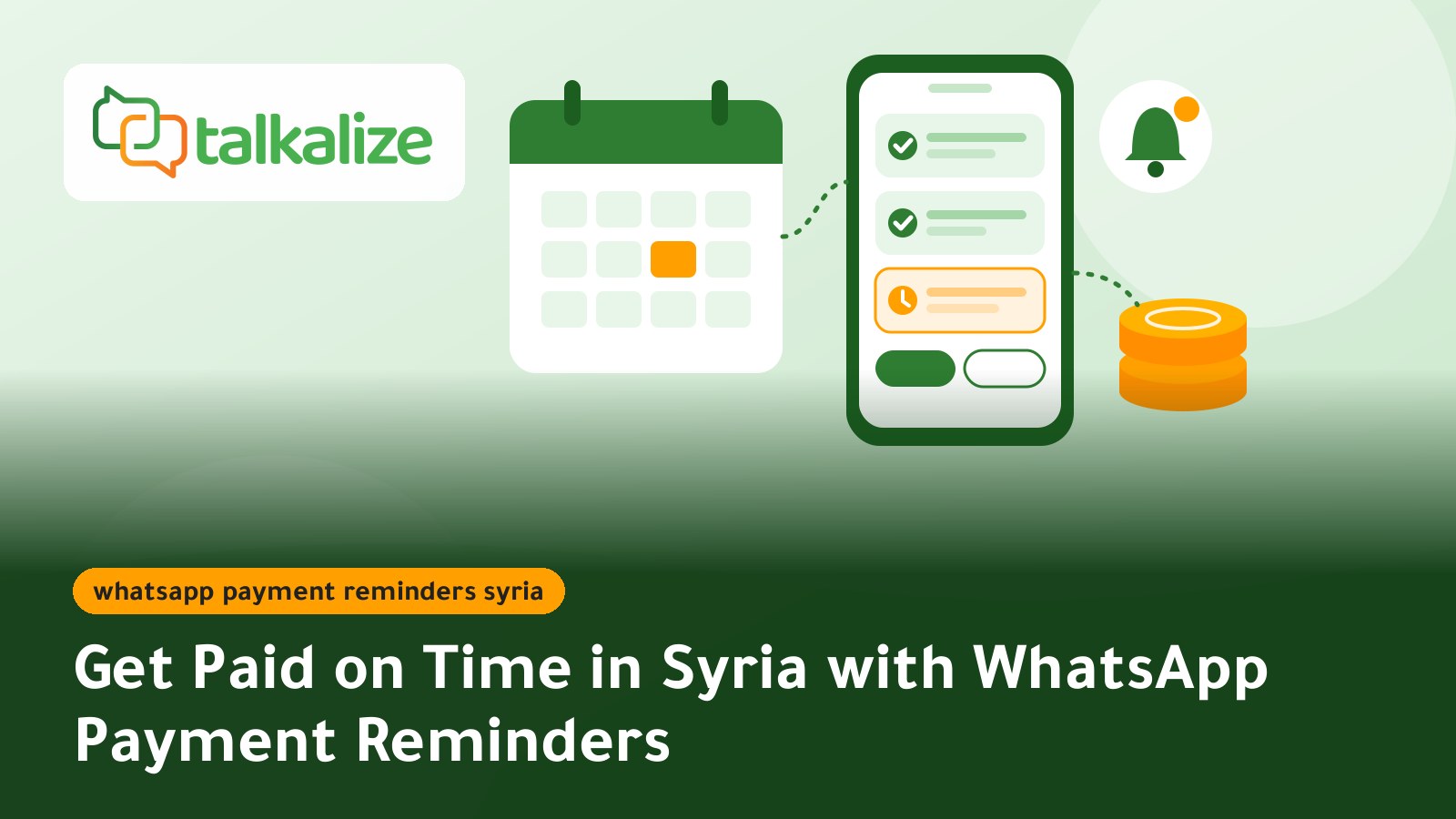
Short answer: WhatsApp payment reminders in Syria cost between $0.0102 and $0.0109 per message with Talkalize (Utility category), with no minimum top-up. Reminding 1,000 subscribers about their bill costs roughly $10–11, and the messages go out automatically before, on and after the due date through the official WhatsApp API.
This guide is for businesses that depend on recurring payments: internet resellers, solar-system sellers offering instalments, gyms, and wholesalers who sell to shops on credit. For the full range of WhatsApp notifications for business, start at the service page. Here we focus on one question: how do you get paid on time without chasing customers by phone every day?
Why Syrian customers pay late in the first place
Most late payments are not refusals. They are forgetfulness or confusion, and 2026 added a new source of confusion. Since 1 January 2026 the new Syrian pound has been in circulation with two zeros removed (100 old pounds equal one new pound), and the exchange period was extended more than once into the summer. A customer who sees "250" may not know whether that means old or new pounds, so they wait until they can ask.
The second reason is the mix of payment methods. Apps such as Sham Cash are used to pay electricity, water and internet bills and to send money between people, alongside cash and transfer offices. When a customer is not sure which method you accept, payment slips.
A good reminder fixes both problems at once: a clear amount in the right currency, an exact date, and one or two payment methods named explicitly.
Five facts to settle before you start
- A reminder about an existing bill is a Utility message, not marketing, as long as it carries no offer or discount. For Syrian numbers it costs $0.0102–$0.0109, against $0.0382–$0.0409 for a marketing message.
- Meta has charged per message since 1 July 2025, and it does not charge for Utility templates delivered inside an open customer service window (within 24 hours of the customer's last message).
- Customer replies such as "I've paid" or "I need two more days" are service replies, priced at $0.0011–$0.0012 through Talkalize.
- Talkalize is a Meta-verified Tech Provider, so reminders leave from your own official number under your business name, not from unofficial tools that put the number at risk of a ban.
- Three messages per bill are usually enough: one before the due date, one on the day, and one a few days after.
What WhatsApp payment reminders cost in Syria
Last verified: 4 November 2026, from Talkalize's live price table.
| Item | Price for Syrian numbers | When you need it |
|---|---|---|
| Payment reminder (Utility) | $0.0102–$0.0109 | Every reminder sent outside an open chat |
| Service reply to a customer question | $0.0011–$0.0012 | When the customer replies and needs an answer |
| Marketing message | $0.0382–$0.0409 | Only if you add an offer (not advised in a reminder) |
| Starter plan | $49/month ($529/year) | A small business starting automated reminders |
| Growth plan | $89/month ($959/year) | 5 inbox users, unlimited chat automation and full AI |
| Free trial | 7 days | Test the template and schedule before paying |
An illustrative calculation: an internet reseller has 1,500 monthly subscribers. Everyone gets a reminder three days before the due date (1,500 messages). Suppose 600 still haven't paid on the due date and get a second reminder, and 225 are still unpaid three days later and get a third. That is 2,325 messages, or about $23.70–$25.30 a month. These shares are assumptions for illustration only; your real numbers appear after the first billing cycle. Every category is listed on the WhatsApp Business API pricing for Syria page.
A reminder schedule that respects the customer
Timing matters more than wording. This schedule suits monthly subscriptions and instalments:
- Three days before: a friendly note with the amount, the date and how to pay. This alone resolves most cases of forgetting.
- Due date, morning: a short message with an "I've paid" button and an "I need more time" button.
- Three to five days after: a calm final message that says what happens next (for example a temporary service pause) and offers to talk to a person.
After that, stop the automated messages and hand the account to a staff member. Repeated automated pressure after the third message pushes people to block your number, and frequent blocks hurt your number's quality rating with WhatsApp. Avoid sending during Friday prayers or late at night.
Reminder wording you can adapt
This is what the customer sees; change names and amounts to fit:
Hello Ahmad, a reminder that your November internet subscription of 250 new Syrian pounds is due on 10 November. You can pay with Sham Cash or in cash at our office. If you have already paid, tap "I've paid" and we won't send another reminder.
[I've paid] [I need more time] [Talk to staff]
Three details do the work: the word "new" after the amount removes the currency doubt, the payment method is named, and the "I've paid" button gives the customer a quick way to stop reminders instead of getting annoyed.
Setting it up, step by step
- Prepare the list of what is due: name, phone number in international format starting +963, amount, due date and payment method. A spreadsheet is enough to start.
- Confirm consent: add a line to the subscription contract or sales form saying reminders will arrive on WhatsApp.
- Connect your business number to Talkalize: activate it on the official WhatsApp API and verify the business from the dashboard.
- Write the reminder template and submit it for approval: pick the Utility category and keep placeholders for name, amount and date. Leave offers out so it is not classed as marketing.
- Set the schedule: use message scheduling to send before, on and after the due date.
- Decide what each button does: "I've paid" stops the sequence and asks for a photo of the receipt, "I need more time" asks for a suitable date, and "Talk to staff" opens the chat in the shared team inbox.
- Connect billing later: as volume grows, your developer can link your accounting software to Talkalize through the REST API and webhooks, so reminders go out automatically and stop the moment a payment is recorded.
Four Syrian businesses that gain from automated reminders
An internet reseller in rural Damascus
Hundreds of subscribers pay every month, and the reseller used to call them one by one. With automated reminders, each subscriber gets a notice three days ahead with the amount and the cut-off date. Anyone who taps "I've paid" is asked for a screenshot of their e-payment, which one staff member reviews instead of three.
A solar-system seller offering instalments in Homs
Demand for solar power in Syria has grown clearly: installed solar capacity reached about 2.25 GW in 2025, and imports of Chinese panels hit a record in April 2026. A seller who splits a system into 12 payments needs a reminder that states the instalment number, such as "instalment 4 of 12", and the remaining balance. Disputes drop because the customer sees the account every month.
A gym in Latakia
Monthly and quarterly memberships expire on different dates. A reminder one week before expiry gives the member time to renew, and a second on the day says the entry card will stop working. The renewal itself can happen in the chat with the front desk.
A wholesaler selling to shops on credit in Aleppo
Open balances with grocery stores and small shops pile up quickly. A weekly message with a short statement ("you have 3 invoices due, totalling X") lets the shop owner prepare the money before the sales rep arrives, so fewer visits are wasted.
WhatsApp, SMS or a phone call?
| Channel | Strengths | Weaknesses |
|---|---|---|
| Official WhatsApp API reminder | Quick-reply buttons, your business name shown, full automation and read reports | Needs an approved template and initial setup |
| SMS | Reaches any phone, even without internet | No buttons, replying takes effort |
| Phone call | Right for sensitive cases and large sums | Uses staff time and does not scale |
| WhatsApp Business app, manually | Free and fine for a handful of customers | One-by-one sending, no billing link |
When another option fits better: if fewer than 50 customers pay you monthly, the regular WhatsApp Business app with manual reminders is usually enough. A phone call stays the better choice for a customer who is months behind or for large amounts that need a conversation.
Mistakes that make reminders fail
- Sending an amount without saying whether it is in new or old pounds.
- Reminding people who have already paid because the system was not updated.
- Adding a promotion inside the reminder, which turns it into a marketing message costing roughly four times more.
- A threatening tone in the first message; save firmness for the third.
- No one answering "I need more time", so the customer feels they are talking to a machine that doesn't listen.
For what happens after payment, read the guide to WhatsApp payment receipts in Syria. If your team will handle replies from one number, see the WhatsApp shared inbox guide for Syria, and to connect your billing system read WhatsApp API integration for Syrian businesses.
How to tell the reminders are working
Track three numbers over the first two cycles: the share of customers who pay before or on the due date, the average days late, and how many collection calls your team still makes. If calls fall and on-time payments rise, the schedule fits. If many people only pay after the third message, try moving the first reminder a day earlier or making the payment method clearer.
Start sending payment reminders with Talkalize
Begin with the 7-day free trial, send one reminder template to a small sample of customers, then widen the schedule. Details and examples are on the WhatsApp notifications for bills and reminders page, and if five staff need to answer customers with full automation, the Growth plan at $89/month is the best fit.
Frequently Asked Questions
How should a payment reminder show amounts after the new Syrian pound?
Write the amount followed by "new Syrian pounds" explicitly, and during the transition you can add the old-pound equivalent in brackets. This stops customers delaying payment just to ask which currency you mean.
How many reminders per bill can I send before customers start blocking my number?
Three at most: three days before, on the due date, and three to five days after. Then pass the account to a staff member instead of continuing automatically, because frequent blocks lower your number's quality rating.
Does mentioning a late fee turn a reminder into a marketing message?
A late fee or service-pause date relates to the bill itself, so the reminder normally stays Utility. Adding an offer, discount or new product makes Meta class it as marketing at $0.0382–$0.0409 instead of $0.0102–$0.0109. Meta makes the final call when it reviews the template.
Can reminders stop automatically when a subscriber pays with Sham Cash?
Yes, if your billing system records the payment and is connected to Talkalize through the REST API and webhooks. Without that link, the customer taps "I've paid", the sequence stops, and a staff member checks the receipt photo.
How do I tell instalment customers which payment they are on?
Add placeholders to the reminder template for the instalment number, the total number of instalments and the remaining balance, for example "instalment 4 of 12, balance remaining X". They are filled from your instalment schedule on each send.
What does it cost to remind 1,500 internet subscribers a month in Syria?
If everyone gets the first reminder and some get a second and third, the total may reach about 2,325 messages, roughly $23.70–$25.30 at current Utility prices, plus whichever plan you choose.
Who answers customers who tap "I need more time"?
Those chats land in the shared team inbox, where any staff member replies from the same number. The Growth plan includes 5 inbox users for $89/month.