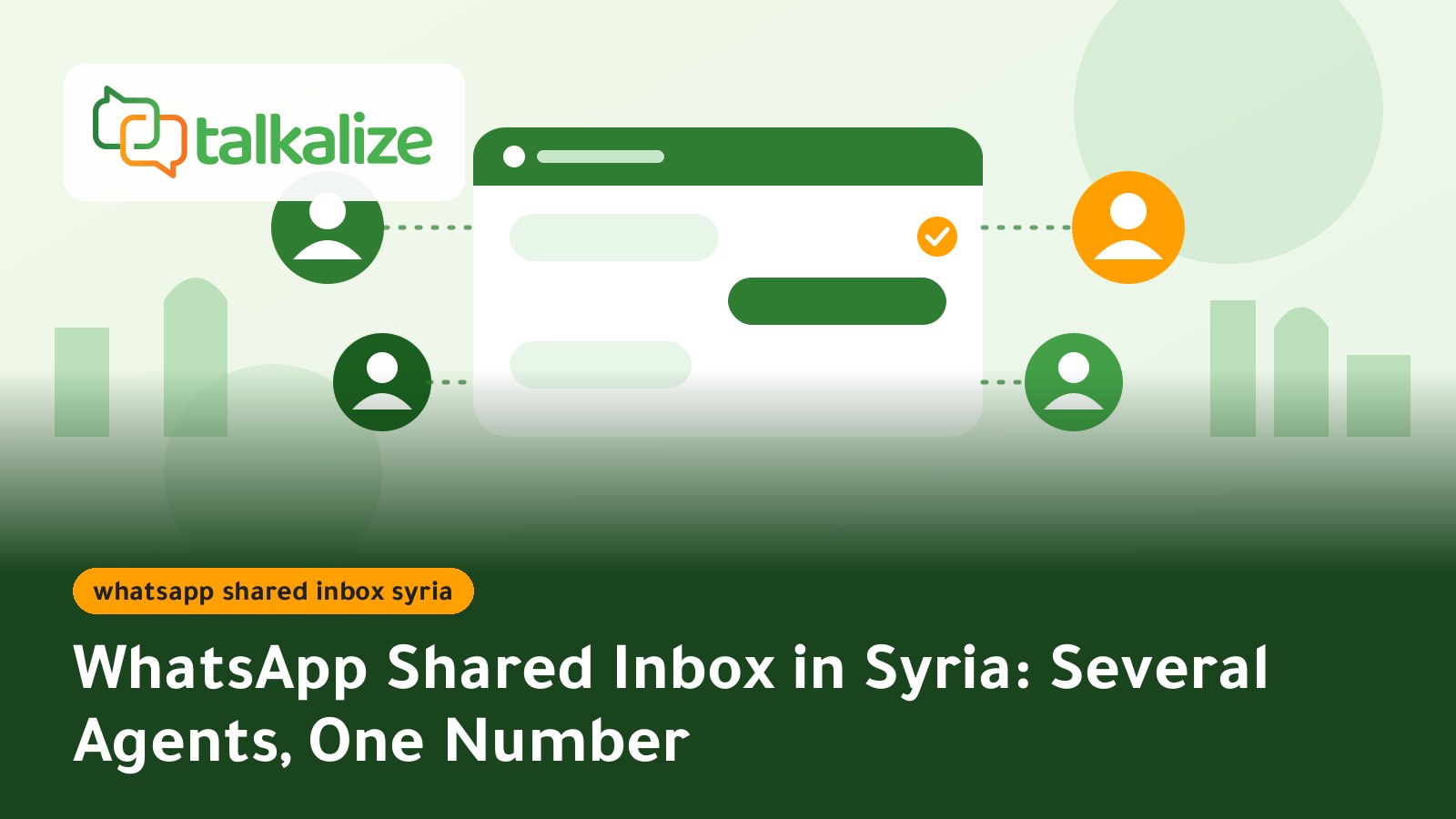
Several employees can answer customers in Syria from one WhatsApp number through a shared team inbox on the official WhatsApp Business API. Talkalize includes it in the Growth plan at $89 per month for five inbox users, while messages are paid from the wallet, starting at $0.0011 for a service reply inside the 24-hour window.
WhatsApp Shared Inbox in Syria: What It Means
In many shops and clinics in Damascus, Aleppo and Latakia, one WhatsApp number lives on one phone held by one person. As the business grows the problems appear: a customer writes and nobody knows who should answer, two employees reply to the same person with different answers, and when the phone owner is away, sales stop.
A shared inbox is a browser dashboard that shows every conversation of the business number and lets several employees log in with separate accounts. Customers see one number; behind the screen a whole team works. This is different from simply linking WhatsApp to extra devices: linked devices show the same chats, but they do not organise work between people.
These dashboards run on the WhatsApp Business API (Meta Cloud API), because the API itself has no ready-made chat screen. You need a platform such as Talkalize to provide the inbox and the tools around it. Other providers, including Wati and respond.io, describe a similar idea (see Wati's shared inbox page, checked 2026-10-24), but prices and limits differ by provider, so check each provider's site before comparing.
Key Facts
- Users: 5 shared-inbox users on the Growth plan; 1 user on Free and Starter.
- Plan price: Growth is $89 per month ($959 per year).
- Message cost: paid from the wallet, pay as you go, no minimum. Service replies to Syrian numbers cost $0.0011–$0.0012 per message.
- Interface: the official WhatsApp Business API from Meta, not an unofficial app.
- Alongside the inbox: auto-replies, chatbot and a full AI employee on Growth.
- Free trial: 7 days before any commitment.
Plan Prices: Which Plan Fits Your Team?
Prices last verified: October 2026.
| Feature | Free | Starter | Growth | Enterprise |
|---|---|---|---|---|
| Price | 7-day trial | $49/mo ($529/yr) | $89/mo ($959/yr) | Custom |
| Shared inbox users | 1 | 1 | 5 | Custom |
| Chat automation | 5 | 50 ready-made | Unlimited | Unlimited |
| AI employee | Included | Limited (100 replies) | Full AI | Custom |
| Broadcast campaigns | 1 | 5 / month | Unlimited | Unlimited |
| Flows + Booking | Included | Not included | Included | Custom |
| API calls | 10 | 2K / month | 50K / month | Unlimited |
In practice: if one person does all the replying, Starter is enough. If two or more people answer at the same time, you need Growth, the plan that fits five users.
Message Costs for Syrian Numbers
The plan covers the platform only. Messages are paid from your Talkalize wallet at pay-as-you-go rates (Meta fee plus Talkalize fee), and the price per message falls as volume grows:
| Message type | 100 messages | 10,000 messages | 50,000+ messages |
|---|---|---|---|
| Service reply (inside 24h) | $0.0012 | $0.0011 | $0.0011 |
| Utility notifications | $0.0109 | $0.0104 | $0.0102 |
| OTP / authentication | $0.0109 | $0.0104 | $0.0102 |
| Marketing | $0.0409 | $0.0389 | $0.0382 |
Quick math: a team that sends 10,000 service replies a month pays about $11 for those replies, on top of the plan subscription. Answering within 24 hours of the customer's last message is the cheapest kind of message.
How to Run Several Agents on One WhatsApp Number: Steps
- Create your account and start the free 7-day trial on Talkalize.
- Connect your business number to the WhatsApp Business API. The number becomes your official business number, so choose the one your customers already know.
- Add your employees with one account each. Avoid sharing a single password so you always know who sent what.
- Set an ownership rule. For example: whoever opens a conversation owns it until it is closed. Write the rule for the team in two lines.
- Turn on an auto-reply for repeated questions (prices, opening hours, address) so the team's time is not wasted on them. See our guide to WhatsApp auto reply for business in Syria.
- Prepare templates for messages sent outside the 24-hour window, such as appointment reminders or order status.
- Watch the first week: how many chats stayed unanswered, and when are the busy hours? Then adjust shifts.
Shared Inbox or WhatsApp Business App on Linked Devices?
| Criteria | WhatsApp Business app, linked devices | Shared inbox on the API (Talkalize) |
|---|---|---|
| Interface | A phone plus a limited number of linked devices | Browser dashboard for several users |
| Employee accounts | Same account on every device | A separate account per employee |
| Automation and AI | Simple quick replies | Chatbot, AI employee and Flows |
| Integrations | Not available | REST API and webhooks |
| Cost | Free | Plan subscription + wallet messages |
When another option fits better: if you are a small shop answering a few dozen chats a month yourself, the free app is simpler and a subscription is not needed. Once chat volume is more than two people can follow, a platform pays back in team time.
A Day with the Shared Inbox
Picture a clothing store in Damascus with three employees. In the morning everyone opens the same dashboard in the browser and sees new chats and chats still waiting for a reply. The first handles size and price questions, the second confirmed orders and delivery, the third complaints and returns. When someone steps out, a colleague picks up the conversation where it stopped, because the full history is in front of them.
The second benefit is continuity: conversations are not tied to one person's phone. If an employee leaves or a phone breaks, customer history stays in the account. That matters for businesses whose single number has been known to customers for years.
Use Cases in Syria
1. Online store in Damascus
One employee handles pre-sale questions, another follows order status and delivery, a third handles returns. Each sees the whole conversation, so the customer never has to repeat an order number. Shipping updates go out automatically with Utility templates.
2. Clinic or beauty centre
The receptionist takes booking requests in the morning and a colleague takes the evening. Booking sends a reminder before the appointment, and any medical question is passed to the right staff member instead of an auto-reply guessing. You can use Flows and Booking on the Growth plan.
3. Restaurant or delivery app
Peak time is Thursday and Friday evening. Three staff share the inbox to confirm orders and fix addresses, while the auto-reply sends the menu as soon as the first message arrives.
4. Real estate office or training centre
A customer asks about an apartment or a course, then disappears for days. When they return, the conversation is there with the same employee who started it, so they do not have to explain again. You can also assign an AI employee to first questions, as in our guide to an AI employee on WhatsApp.
Tips for Better Replies
- Write ready replies in a polite, clear tone for the most common questions, then adapt them before sending.
- Set working hours in the auto-reply so customers know when a human will answer.
- Answer inside the 24-hour window whenever possible: it costs $0.0011–$0.0012 per message and needs no approved template.
- Train the team on message types: service reply, Utility, marketing and OTP each have a different price.
- Review open chats at the end of each day and close finished ones so work does not pile up.
Common Mistakes to Avoid
- Leaving chats with no owner. A shared inbox does not help without a clear rule on who replies.
- Relying on auto-reply for everything. Keep sensitive questions for a human.
- Sending marketing messages without consent. Marketing needs opt-in, a Meta policy.
- Using unofficial tools to share a number, which can get the number blocked. The official API is the right route.
- Ignoring the first-week data. Read what happens in week one before growing the team.
How to Decide: A Simple Calculation
Ask three questions: how many employees reply at the same time? How many chats stayed unanswered last week? How many orders do you lose when nobody is available? If the answer is more than one employee and there are lost chats, the $89 monthly cost is comparable to the value of one or two orders. Try it first in the free 7 days and measure for yourself.
If you also need identity verification by code, read WhatsApp OTP price for Syria; it runs on the same number and wallet.
Get Started
If your team is more than one person, choose the Talkalize Growth plan for a shared inbox for five users, unlimited automation and a full AI employee. Start from the pricing page and try the platform free for 7 days.
Frequently Asked Questions
How can multiple employees reply from one WhatsApp number?
Connect the number to the WhatsApp Business API through a platform with a shared inbox such as Talkalize, then add each employee with a separate account. The Growth plan fits five users.
How much does the Talkalize shared inbox cost?
Growth is $89 per month ($959 per year) and includes 5 inbox users. Starter is $49 per month for 1 user. Messages are paid from the wallet.
How much does a reply to a customer in Syria cost?
A service reply inside the 24-hour window costs $0.0011–$0.0012 per message depending on volume, with no minimum.
Is a shared inbox different from linking WhatsApp to several devices?
Yes. Linked devices show the same chats but do not organise work between people. A shared inbox gives each employee an account and runs on the official API with automation and AI.
Can I use auto-replies and AI with the shared inbox?
Yes. Growth includes unlimited chat automation and a full AI employee, and sensitive questions can be handed to a human agent.
Is there a free trial?
Yes, a free 7-day trial from the Talkalize pricing page.