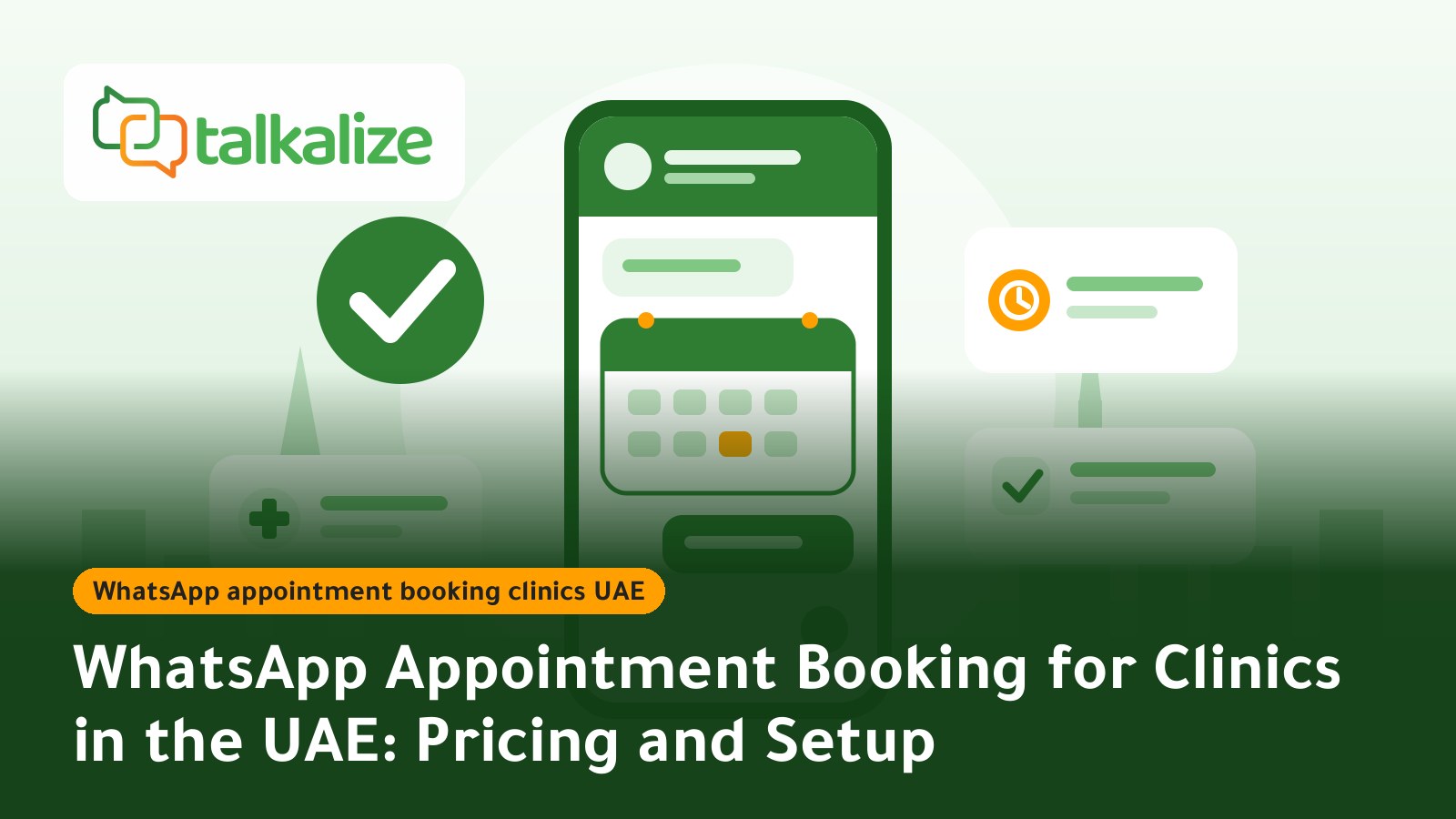
WhatsApp appointment booking for clinics in the UAE works through the official WhatsApp Business API with Talkalize: the patient picks a slot inside the chat, and confirmations and reminders go out automatically from $0.0176 per reminder (UAE range $0.0176–$0.0204), with a free 7-day trial.
WhatsApp Appointment Booking for Clinics in the UAE: What You Actually Get
Most patients in the UAE already use WhatsApp every day, so they would rather send a quick message than call the front desk or fill in a web form. A WhatsApp booking system turns that message into an organised booking: the bot shows services, doctors and open times, records the appointment, then sends the confirmation and reminder without a receptionist touching it.
On Talkalize this is built from three parts: Flows + Booking to pick a slot inside the chat, Utility templates for confirmations and reminders, and a shared team inbox where your front desk takes over the cases that need a person.
Key Facts
- Official channel: WhatsApp Business API (Meta Cloud API), not unofficial apps.
- Confirmations and reminders: billed as Utility messages, $0.0176 to $0.0204 each in the UAE depending on volume.
- Front-desk replies inside the 24-hour window: Service messages at $0.0011–$0.0013 each.
- Minimum: none; messaging fees are paid from a wallet balance.
- Feature availability: Flows + Booking is included in the free 7-day trial and in Growth, and is not included in Starter.
- Languages: Arabic and English interface and conversations.
Prices and Plans (last verified 24 October 2026)
Per-message prices in USD (Meta fee + Talkalize fee), range from 100 messages to 100,000 messages:
| Message type | Clinic example | UAE price |
|---|---|---|
| Utility | Appointment confirmation, pre-visit reminder, payment receipt | 0.0176 – 0.0204 |
| Marketing | Check-up offer, seasonal vaccination campaign | 0.0559 – 0.0649 |
| Service | Replying to a patient question within 24 hours | 0.0011 – 0.0013 |
Worked example: a clinic sending 500 confirmations and 500 reminders a month, or 1,000 Utility messages, pays at most $20.40 (1,000 × 0.0204), and less as volume rises. The platform subscription is separate:
| Feature | Free (7 days) | Starter — $49/mo | Growth — $89/mo |
|---|---|---|---|
| Flows + Booking | Included | Not included | Included |
| Inbox users | 1 | 1 | 5 |
| Chat automation | 5 | 50 ready-made | Unlimited |
| AI agent | Included | Limited (100 replies) | Full AI |
| Templates · Catalogue | Predefined · Yes | Unlimited · Yes | Unlimited · Yes |
Annual billing: Starter $529, Growth $959. Messaging fees on every plan are paid from the wallet at the rates above. Full details are on the pricing page.
How to Set Up WhatsApp Booking in Your Clinic
- Start the free trial: sign up for Talkalize and connect your clinic number to the official WhatsApp Business API.
- List services and doctors: write a short list of specialties, appointment lengths and working hours. The simpler the list, the faster the booking.
- Build the booking Flow: the patient chooses a service, then a doctor, then a day and time, then confirms their name and phone number.
- Prepare Utility templates: a confirmation, a reminder before the visit, and a cancel/reschedule message. Templates need Meta approval before you can send them outside the 24-hour window. See how WhatsApp message templates create consistent communication.
- Turn on human handover: anything involving a medical question, a complaint or an urgent case moves to the shared inbox for a staff member.
- Test, then go live: book a few test appointments in Arabic and English, check that confirmations and reminders arrive, then announce the number to patients.
Sample Messages to Adapt
These are suggested Utility template wordings; change the clinic name and variables to suit you:
Confirmation: "Hello {{1}}, your appointment at {{2}} Clinic is confirmed for {{3}} at {{4}}. To cancel or change it, reply 'Change'."
Reminder: "Reminder: your appointment is tomorrow at {{1}} with Dr. {{2}}. Please arrive 10 minutes early and bring your Emirates ID or insurance card."
Keep each message short with one clear action, and keep sensitive medical details out of the text. Stick to the time, place and general instructions.
Comparison: WhatsApp vs Phone Calls and Website Forms
| Criterion | WhatsApp API with Talkalize | Calling the front desk | Website form |
|---|---|---|---|
| Availability | 24/7 through a Flow | Opening hours only | 24/7 |
| Confirmation and reminder | Automatic, in the same chat | Manual | Separate email or SMS |
| Handing complex cases to staff | Yes, shared inbox | Direct | Usually not available |
| Cost | Message fees + plan | Staff time | Depends on the tool |
When another option may fit better: if your clinic needs a deep, ready-made integration with a specific medical records system, ask that system's vendor what it supports first, and check each provider's own site for current prices and features. You can also use Talkalize's REST API and webhooks to build the connection you need.
Use Cases for UAE Clinics
1. A dental clinic in Dubai
A patient writes "I need a cleaning appointment". The Flow shows this week's open slots, confirms the booking, and a reminder arrives the day before. In practice, the receptionist no longer spends the morning phoning patients to confirm.
2. A dermatology clinic in Abu Dhabi
After the first consultation, a Utility message carries the follow-up date two weeks out, with a "reschedule" option. A seasonal Marketing campaign, such as a skin check reminder before summer, can go to patients who opted in.
3. A physiotherapy centre in Sharjah
Treatment is a series of sessions, so the patient books several at once and gets a reminder before each one and a receipt after payment. If the patient asks about a specific exercise, the team replies from the shared inbox.
4. A multi-department medical centre
On Growth, five staff members can work from one WhatsApp number, so reception is split across paediatrics, women's health and orthopaedics without patients juggling several numbers. For more on this approach read WhatsApp automation workflow strategy.
Practical Tips to Cut No-Shows and Improve the Experience
- Time reminders sensibly, for example a day before and again a couple of hours ahead for those who need it.
- Always offer a clear cancel or reschedule option; patients who cancel early free the slot for someone else.
- Get patient opt-in before marketing messages and honour stop requests immediately.
- Do not keep sensitive medical details in chat, and check the data-protection requirements of the health authority in your emirate.
- Test the booking flow yourself in Arabic and English before launch. See also how to design auto-reply workflows.
- Review message costs monthly against the WhatsApp API pricing guide.
Common Mistakes When Running WhatsApp Booking
- A booking path that is too long: every extra question loses a patient. Keep booking to four steps or fewer: service, doctor, time, confirmation.
- Sending reminders from a personal number: use the clinic's official number connected to the API, so the clinic name shows and the history stays with the team.
- Ignoring questions outside the flow: if a patient types something unexpected, it should reach a staff member during working hours instead of going unanswered.
- Templates that are too generic: put the patient name, doctor and time in variables; a personal message gets read more often than a generic one.
- Never reviewing results: each week, check confirmed, cancelled and handed-over bookings, and adjust your messages accordingly.
What You Need Before Launch
Prepare a dedicated phone number for the clinic that is not tied to a regular WhatsApp account, the clinic name as patients know it, and a list of services, doctor names and working hours. Then decide who receives handed-over chats in each shift and who checks the wallet balance. These small preparations cut most of the setup time and make the first week after launch much calmer.
Can You Add an AI Employee?
Yes. An AI employee can answer questions about opening hours, location and services before the patient reaches the booking step, then pass them to the booking flow. Growth includes full AI, while Starter includes a limited 100 replies. See a detailed example in AI employee on WhatsApp in Saudi Arabia. Medical and diagnostic questions remain with your clinical staff.
Start Your Free Trial
Try WhatsApp appointment booking in your clinic free for 7 days with Talkalize, with no minimum balance and no commitment. Start the free trial from the pricing page.
Frequently Asked Questions
How much does a WhatsApp appointment reminder cost in the UAE?
Confirmations and reminders are billed as Utility messages at $0.0176 to $0.0204 each in the UAE depending on volume, paid from your wallet with no minimum.
Which plan do I need for appointment booking?
Flows + Booking is included in the free 7-day trial and in Growth ($89/month). It is not included in Starter ($49/month).
Is WhatsApp appointment booking official and allowed?
Yes. Talkalize uses Meta's official WhatsApp Business API. Patients must opt in to marketing messages, and the clinic must honour stop requests.
Can several staff members reply from the same clinic number?
Yes, through the shared inbox. Growth allows 5 users on one WhatsApp number; Starter and the free trial allow 1.
Does it work in Arabic and English?
Yes. Talkalize supports Arabic and English in the interface and conversations, so your booking flow can run in both languages.
How can I reduce patient no-shows?
Send a confirmation right after booking and a reminder before the visit, and include a cancel or reschedule option so the slot can go to another patient.
Can I try it before paying?
Yes. There is a free 7-day trial, after which you top up the wallet with any amount and no minimum.