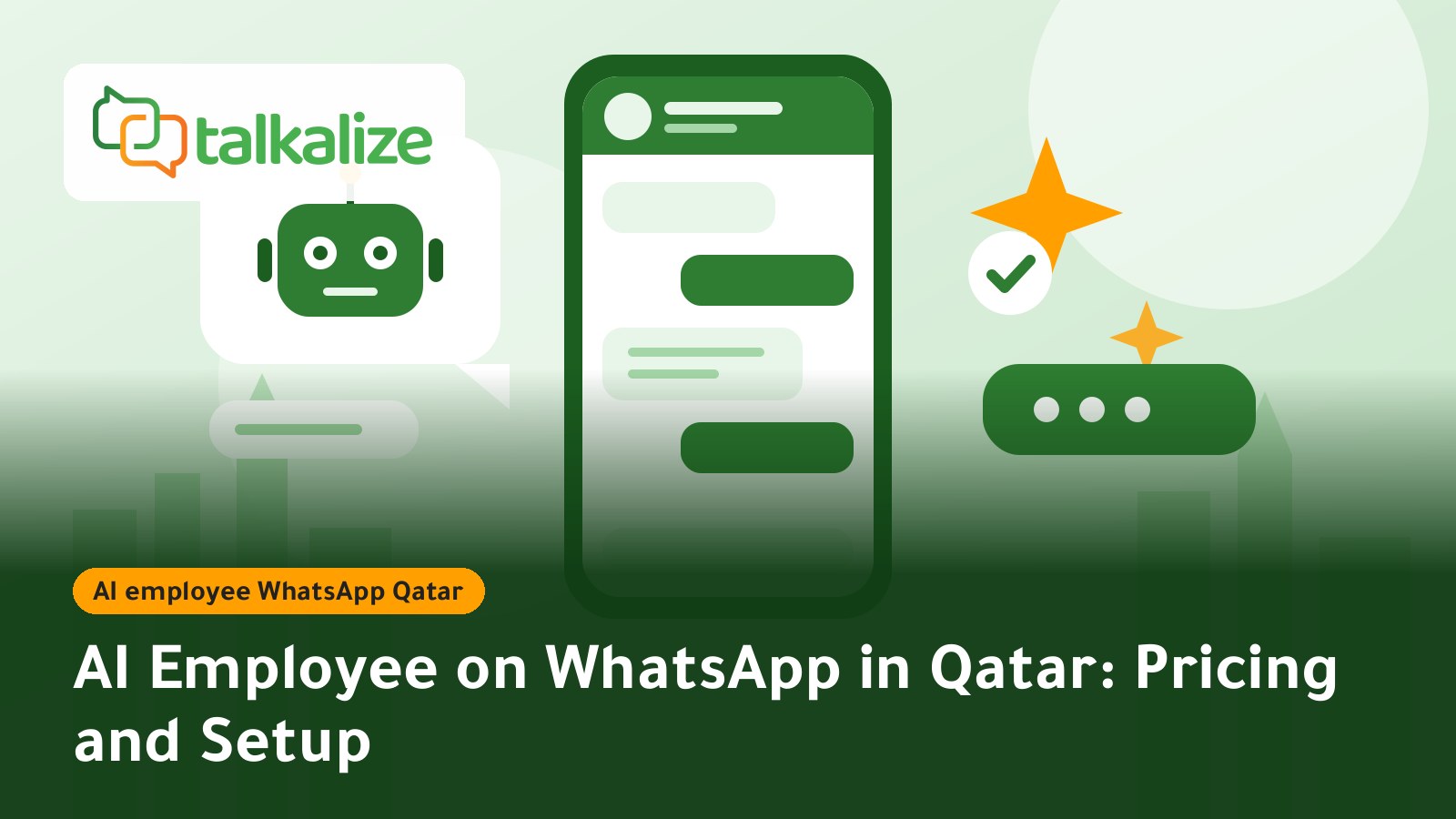
You can run an AI employee on WhatsApp in Qatar through the official WhatsApp Business API with Talkalize. The Growth plan costs $89 per month and includes full AI plus 5 shared-inbox users, while messages are paid from your wallet, with service replies inside the 24-hour window starting at $0.0011 per message.
What is an AI employee on WhatsApp?
An AI employee is an assistant that answers your customers on WhatsApp around the clock. It understands questions written in Arabic or English, replies from the information your company gives it, and hands the chat to a human when the customer needs a decision the assistant cannot make. With Talkalize it runs on the official WhatsApp Business API (Meta Cloud API), on your own business number, with no unofficial tools.
In Qatar, where customers use WhatsApp to ask, book and follow up, an AI employee helps in three ways: instant replies outside office hours, fewer repetitive questions for your team, and customer details collected before a person takes over.
Key facts about an AI employee on WhatsApp in Qatar
- Recommended plan: Growth at $89/month ($959/year): full AI, unlimited chat automation and 5 inbox users.
- Starter plan: $49/month with limited AI (100 replies).
- Trial: a free 7-day trial that includes AI.
- Message fees: paid from the wallet, pay as you go with no minimum, at Meta's "Rest of Middle East" rate, which covers Qatar.
- Languages: Arabic and English.
- Human handover: conversations can move to an agent in the shared team inbox.
Message prices and plans for Qatar
The cost has two parts: the monthly platform plan and the per-message price drawn from your wallet. Prices below are USD per message (Meta fee + Talkalize fee) and fall from the top of the range at 100 messages to the bottom at 100,000 messages. Last verified: 25 October 2026.
| Category (Qatar) | Price per message (USD) |
|---|---|
| Service reply inside the 24-hour window | 0.0011 – 0.0013 |
| Utility notifications | 0.0102 – 0.0118 |
| Authentication / OTP | 0.0102 – 0.0118 |
| Marketing | 0.0382 – 0.0443 |
| Feature | Free (7 days) | Starter — $49/mo | Growth — $89/mo | Enterprise |
|---|---|---|---|---|
| AI employee | Included | Limited (100 replies) | Full AI | Custom |
| Inbox users | 1 | 1 | 5 | Custom |
| Chat automation | 5 | 50 ready-made | Unlimited | Unlimited |
| Flows + Booking | Included | Not included | Included | Custom |
| API calls | 10 | 2K / month | 50K / month | Unlimited |
Current prices are always on the pricing page.
How to set up an AI employee on WhatsApp in Qatar
- Create an account and start the free trial: sign up with Talkalize and use the seven trial days to test automated replies before committing.
- Connect your business number: the number is linked through the official WhatsApp Business API; make sure it is not in use in another app.
- Give the AI your company information: opening hours, prices, return policy, branch locations and your most frequent customer questions. The more accurate the information, the more accurate the answers.
- Define when a human steps in: complaints, large amounts and any question the AI cannot answer from your information should move to your team in the inbox.
- Top up the wallet: add enough for the first week only, then increase based on usage.
- Review conversations weekly: read a sample, correct incomplete answers and add missing information.
AI employee vs rule-based auto-reply
A rule-based auto-reply (menu or keywords) works when questions are few and predictable, such as "press 1 for prices". An AI employee understands different wordings of the same question and does not force the customer through a long menu.
| Criterion | Rule-based auto-reply | AI employee |
|---|---|---|
| Free-text questions | Limited to set keywords | Understands varied wording |
| Setup | Fast for short scenarios | Needs organised company information |
| Control over answers | Full | Needs periodic review |
| Best for | Simple menus and bookings | Varied questions and 24-hour service |
Many businesses combine both: Flows and rules for fixed processes such as booking, and an AI employee for open questions. For the same comparison in another Gulf market, read our WhatsApp chatbot guide for online stores in Kuwait.
Use cases in Qatar
1. Online stores
A customer asks in the evening: "Is this in stock and how long is delivery?" The AI answers from your store data, sends the catalogue link, and if the customer wants to change an order, hands over to a sales agent.
2. Clinics and medical centres
The AI answers opening hours, departments and directions, collects the patient's name and preferred time, and passes the request to reception. It gives no medical advice; decisions stay with your staff. For full booking flows see our WhatsApp appointment booking guide for clinics.
3. Restaurants and delivery
Questions like "Are you open now?" and "What is in this dish?" repeat dozens of times a day. The AI answers instantly and passes complaints about late orders to a manager.
4. Real estate and education
The AI collects property type or course, budget and the best time to call, so the salesperson starts with a ready-to-talk lead instead of from zero.
Example: the opening message
A short introduction you can configure for the AI employee to open the conversation:
Welcome to [Company name], I am the virtual assistant.
I can help with prices, appointments and orders.
To reach a person, type: agent
Stating that the customer is chatting with an automated assistant, and giving a clear route to a human, builds trust and reduces frustration.
What to put in the AI employee's knowledge base
Answer quality depends on what you provide. Start with a short, organised list rather than long unstructured files:
- Fixed information: address, opening hours, payment methods, usual delivery time.
- Prices and offers: current prices only, with an internal last-updated date.
- Policies: returns, cancellations and rescheduling in clear wording.
- Sample questions and answers: copy the ten questions your customers really ask, with the answer you are happy with.
- What it should not answer: name the topics that must go to a person, such as payment disputes or medical cases.
How to measure whether it works
You do not need a complex dashboard at first. Track four simple signals every week: conversations closed without human involvement, handovers to the team and their reasons, average time to first reply, and direct customer feedback. If handovers keep rising for the same reason, add the missing information to the knowledge base. If customers complain about answers, narrow the AI's scope temporarily to the questions it handles well and route the rest to your team.
Start with a small scope, such as questions about prices and appointments, then widen it gradually once you are confident in the answers during the first weeks.
Practical tips to avoid mistakes
- Do not leave outdated prices in the AI's information; update them whenever they change.
- Get opt-in before any marketing message; the AI answers customers, it does not replace consent rules.
- Remember that replies inside the 24-hour window after a customer message are service messages at the lowest rate; starting a chat after the window closes needs an approved template at its own price.
- Watch the questions the AI could not answer; they are a ready list of what your knowledge base is missing.
- Keep human agents in the inbox; to see how chats are shared between several agents, read our shared inbox guide.
For the wider picture, read our guide to AI customer support on WhatsApp, and for the Saudi version see AI employee on WhatsApp in Saudi Arabia.
When another option may fit better
If your business is very small and receives only a few messages a day, the free WhatsApp Business app with manual quick replies may be enough and a monthly plan is unnecessary. If your organisation needs custom integrations or specific compliance commitments, the Enterprise plan or a direct conversation with the provider is a better fit. Always check any other provider's prices on its own site before comparing.
Get started
Try the AI employee with Talkalize in a free 7-day trial, then move to the Growth plan when you want full AI and a team of 5 inbox users: start from the pricing page.
Frequently Asked Questions
How much does an AI employee on WhatsApp cost in Qatar?
The Growth plan with full AI is $89 per month, Starter with limited AI (100 replies) is $49 per month, and there is a free 7-day trial. Message fees are added from the wallet, starting at $0.0011 for a service reply.
Does the AI employee understand Arabic?
Yes, Talkalize supports Arabic and English. We recommend giving it your company information in Arabic and reviewing conversations weekly.
Do I need a new phone number?
It runs on your own WhatsApp business number through the official WhatsApp Business API; the number must not be in use in another app.
What happens when the AI does not know the answer?
You can set it to hand the chat to a human agent in the shared inbox. The Growth plan includes 5 inbox users.
Are replies to customers free?
No. Service replies inside the 24-hour window have a low price, starting at $0.0011 per message in Qatar, deducted from your wallet.
Can it be used for marketing?
The AI employee is for answering customers. Marketing campaigns need customer opt-in and approved templates, and a marketing message in Qatar costs between $0.0382 and $0.0443.
Can I try it before paying?
Yes, there is a free 7-day trial that includes AI.