Connecting your store, booking system or CRM to the official WhatsApp Business API in Syria with Talkalize means paying $0.0102–$0.0109 per order or appointment message from a wallet, plus a platform plan from $49 a month after a free 7-day trial. Talkalize, a Meta-verified Tech Provider, shares the integration details and helps your developer test. This guide explains WhatsApp API integration in Syria in plain business terms: what to connect first, who does what, and what it costs.
Key facts before you plan the integration
- What integration means: your existing system (online store, booking tool, ERP, CRM or delivery app) tells Talkalize when something happens, and Talkalize sends the right WhatsApp message.
- Cost per message: Syria utility messages (orders, appointments, receipts) are $0.0102–$0.0109 depending on volume; OTP is the same range.
- No minimum: you top up a wallet and pay as you go; platform plans start at $49/month after a free 7-day trial.
- Who does the work: one developer, an agency or your in-house IT person makes the connection; no code is needed on your phones or your customers' phones.
- Official route: Meta Cloud API through a Meta-verified Tech Provider, with approved templates and customer opt-in.
What "WhatsApp API integration" actually changes in a Syrian business
Most Syrian shops start with a phone, a free WhatsApp Business app and a notebook. That works until orders arrive faster than one person can type. An integration removes the typing: a new order in your store becomes a confirmation message, a paid invoice becomes a receipt, and a booking becomes a reminder, all without anyone copying details by hand.
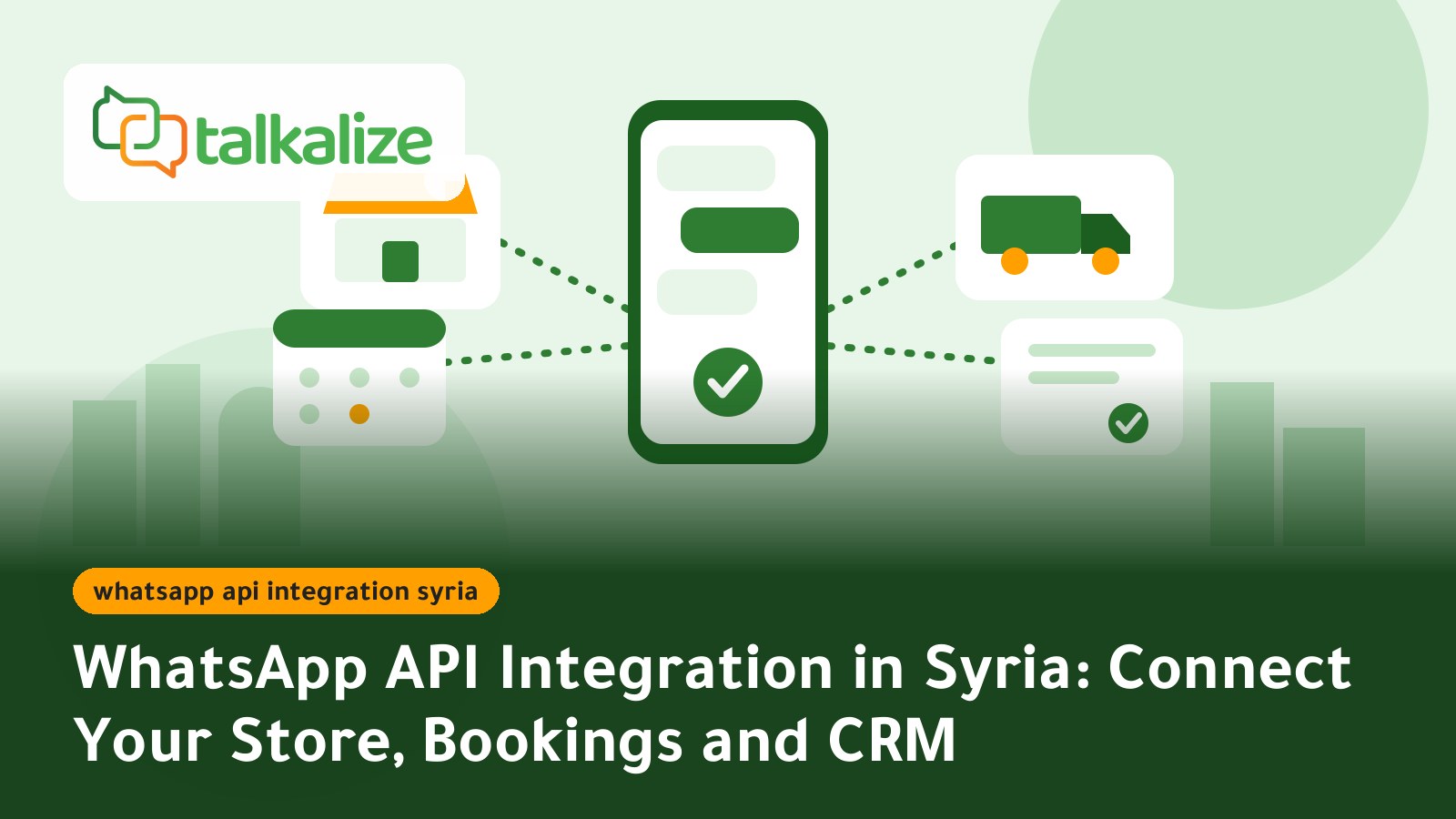
Think of it as three connections. Your system sends events, Talkalize turns them into approved WhatsApp templates, and customer replies come back to a shared inbox or an automation. You decide which events matter; the rest stays unchanged.
Prices for Syria, last verified 31 October 2026
| Message type | 100 messages | 1,000 | 5,000 | 10,000 | 50,000+ |
|---|---|---|---|---|---|
| Utility (orders, appointments, receipts) | $0.0109 | $0.0106 | $0.0105 | $0.0104 | $0.0102 |
| Authentication (OTP) | $0.0109 | $0.0106 | $0.0105 | $0.0104 | $0.0102 |
| Marketing | $0.0409 | $0.0396 | $0.0392 | $0.0389 | $0.0382 |
| Service (replies within 24 hours) | $0.0012 | $0.0012 | $0.0012 | $0.0011 | $0.0011 |
Prices include Meta's fee and Talkalize's fee and are charged from your wallet. See the live numbers on the WhatsApp API pricing page.
Which plan fits an integrated setup
| Feature | Free trial | Starter $49/mo | Growth $89/mo |
|---|---|---|---|
| API calls | 10 | 2K per month | 50K per month |
| Inbox users | 1 | 1 | 5 |
| Chat automation | 5 | 50 ready-made | Unlimited |
| Flows + Booking | Included | Not included | Included |
The API call allowance is the number to watch. A store sending an order confirmation, a shipping update and a delivery update for every order uses about three calls per order, so 2,000 monthly calls cover roughly 650 orders on Starter. Beyond that, Growth's 50,000 calls give room for several thousand orders plus reminders.
Six steps from idea to live integration
- List your events. Write down every moment a customer expects news: order placed, order packed, out for delivery, payment received, appointment booked, appointment tomorrow.
- Start with one event. Pick the one that causes the most phone calls today, usually "where is my order?".
- Register your WhatsApp number. Talkalize helps you connect a business number to the official API.
- Create the templates. Write short customer-facing messages in Arabic and submit them for Meta approval. A sample order message might read:
Hello Rana, your order #1042 is confirmed. We will message you when the courier leaves. Reply here if you want to change the address.
- Have your developer connect the system. One API request per event is enough for most stores. Our team shares the integration details and helps you test with a few real numbers.
- Go live, then add the next event. Watch delivery and replies for a week before adding reminders or receipts.
Connecting common Syrian business systems
Online stores built on WordPress and WooCommerce
Many Syrian stores run on WooCommerce, and add-ons already exist for local wallets: a WordPress plugin updated in July 2026 lets merchants accept Syriatel Cash, Sham Cash and MTN Cash. When an order is paid or marked as shipped, that status change is the signal your developer passes to Talkalize.
Booking tools and clinic software
A clinic reception system that stores appointments can trigger a booking confirmation and a reminder the evening before. Patients answer "confirm" or "change" in the same chat.
Delivery apps and courier dashboards
Courier status updates are the most natural WhatsApp events: picked up, near you, delivered. Customers who miss a call can answer in writing instead.
Simple CRMs and spreadsheets
No developer yet? Start with the free trial and the chatbot and shared inbox first; add the integration once you know which events matter most.
Why Syria needs integrations built for unreliable conditions
Three local facts shape the design. First, cash on delivery remains common, and local wallets are growing next to it; the Central Bank of Syria adopted an electronic payment and transfer system in August 2026, so payment events will increasingly come from digital sources. Second, mobile data prices rose sharply in 2026 according to local reporting, and speeds remain inconsistent, so short text messages are cheaper for customers than long web pages or app notifications. Third, a new mobile operator was due to enter the market in 2026, which may change how customers hold numbers and SIM cards over the coming months.
Practically, keep every message short, never depend on the customer opening a link, and let failed deliveries retry later instead of blocking an order.
Integration versus other ways to use WhatsApp
| Approach | Best for | Limit |
|---|---|---|
| Free WhatsApp Business app | A few chats a day | One phone, manual work |
| Shared inbox without integration | Small support teams | Staff still copy order details |
| Official API integration with Talkalize | Stores, clinics and apps with daily events | Needs a developer for the first setup |
When another option may fit better: if you handle fewer than ten orders a week, the free app and a clear routine are enough. The integration pays off when repeated messages eat hours.
Use cases with a practical example
Furniture store in Damascus
Each delivery involves a truck and a time slot. The store sends the slot as a utility message and the customer replies once to confirm. At about $0.0106 a message, three messages per order cost roughly three US cents.
Pharmacy delivery in Aleppo
The pharmacy's order sheet triggers a "your order is on its way" message, so drivers stop receiving repeated calls.
Private teaching centre in Homs
Registration payments generate receipts, and tomorrow's class changes are sent to parents' numbers the evening before.
Mobile accessories seller in Latakia
New stock arrives on Monday; a marketing message to opted-in customers costs about $0.04, and replies within 24 hours cost only $0.0012 each.
Practical tips for a smooth launch
- Collect the customer's consent at checkout with a clear tick box.
- Use one language per template; Arabic first, English only if your customers use it.
- Save phone numbers in international format so messages reach Syrian numbers reliably.
- Keep the wallet topped up before busy days such as Eid sales.
- Review replies every week and turn repeated questions into automatic answers.
A simple monthly budget example
A store with 600 orders a month sends three utility messages per order, or 1,800 messages at about $0.0106: roughly $19. Add 200 customer replies at $0.0012 and a small campaign of 500 marketing messages at about $0.0396, near $20. Messaging comes to about $40, and Starter at $49 brings the total to about $89 a month. At 1,800 calls this store sits close to Starter's 2K API-call limit, so Growth at $89 is the safer choice once volume grows. Compare the total with the staff hours spent on calls today.
Start with one event this week
Open the WhatsApp notifications page to see the order, appointment and receipt messages you can send, and start the free 7-day trial. If you need code verification too, read how the WhatsApp OTP service works, or buy the $12 Syria bundle of 1,000 OTP messages. Compare it with our guide to official versus unofficial WhatsApp tools in Syria, our order and shipping notifications guide and per-message pricing in Syria. Choose Growth at $89 a month when several employees need to answer from one number.
Frequently Asked Questions
How do I connect my online store to WhatsApp in Syria?
Pick one event, such as a paid order, register your business number with Talkalize, get your message templates approved, and ask your developer to connect the store with one request per event. Our team shares the integration details and helps you test.
How much does a WhatsApp order or appointment message cost in Syria?
Utility messages cost $0.0102–$0.0109 each depending on volume, paid from your wallet. Replies inside the 24-hour window cost $0.0011–$0.0012.
Do I need a developer to integrate WhatsApp?
For a connection between your store or system and WhatsApp, yes, one developer or agency is usually needed for the first setup. Without one you can start with the shared inbox and chatbot during the free 7-day trial.
Which plan do I need for an integration?
Starter at $49 a month includes 2K API calls, Growth at $89 includes 50K calls and 5 inbox users. Roughly three calls per order is a good planning figure.
Is there a minimum top-up or contract?
No. Pay as you go with a wallet top-up, and the Syria OTP bundle of 1,000 messages is $12 with no expiry.
Can customers reply to the automatic messages?
Yes. Replies arrive in your shared inbox or an automation, and replies within 24 hours are billed at the low service rate.