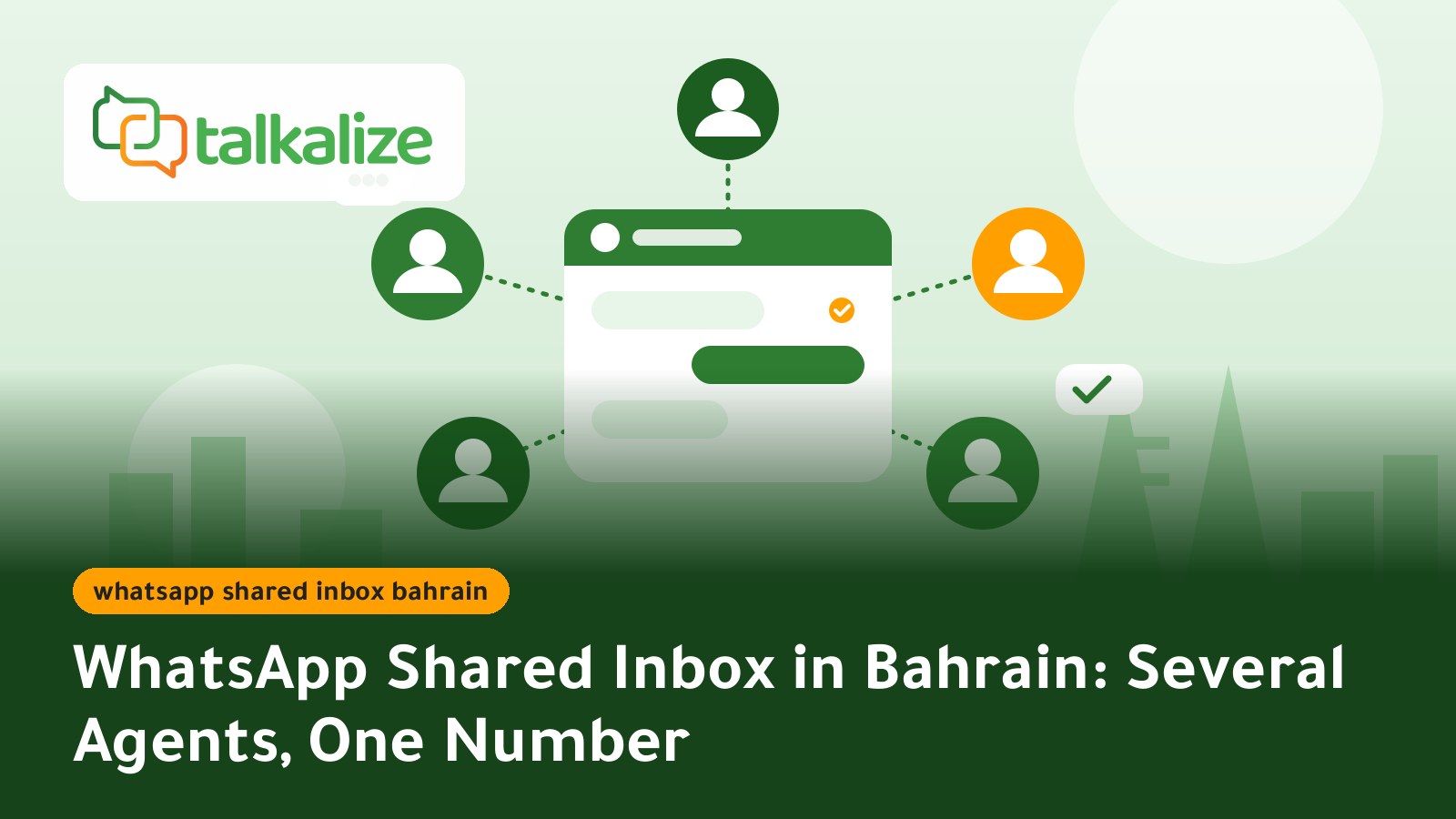
A WhatsApp shared inbox in Bahrain lets several team members reply to customers from one company WhatsApp number, from a single dashboard, with no shared phones or passwords. With Talkalize, the Growth plan at $89/month includes 5 inbox users, and WhatsApp messages are paid from your wallet as you go, starting from $0.0102 per notification in Bahrain. It runs on the official WhatsApp Business API, and Talkalize is a Meta-verified Tech Provider.
What is a WhatsApp shared inbox for a business in Bahrain?
Many companies in Manama, Muharraq and Riffa use WhatsApp as the first channel for sales and support. Trouble starts as volume grows: one employee holds the phone, another replies from a personal account, and conversations get lost when a shift ends or someone goes on leave.
The professional fix is a shared inbox built on the official WhatsApp Business API. Customers see one number and one business name, while a whole team works behind it: each agent logs in with their own account, receives their own chats and sees the full history. Managers can see who replied and when, and the work does not stop when one person is away.
Key facts before you start
- Price: Growth is $89/month ($959/year) with 5 inbox users; Starter is $49/month with 1 inbox user.
- Message costs: paid from the wallet as you go, with no minimum. Notifications in Bahrain cost $0.0102–$0.0118 per message.
- Replying to customers: replies inside the 24-hour window after the customer's last message (service messages) cost $0.0011–$0.0013.
- Trial: a free 7-day trial before you decide.
- Trust: we work only on the official WhatsApp Business API, with no unofficial tools.
- Languages: the platform supports Arabic and English.
Prices and plans (last verified: 27 October 2026)
Platform plans for the inbox
| Feature | Free (7 days) | Starter $49/mo | Growth $89/mo | Enterprise |
|---|---|---|---|---|
| Shared inbox users | 1 | 1 | 5 | Custom |
| Chat automation | 5 | 50 ready-made | Unlimited | Unlimited |
| AI employee | Included | Limited (100 replies) | Full AI | Custom |
| Broadcast campaigns | 1 | 5 / month | Unlimited | Unlimited |
| Flows + Booking | Included | Not included | Included | Custom |
Yearly billing: Starter is $529 and Growth is $959. See the full details on the plans page.
WhatsApp message prices in Bahrain (USD per message)
| Message type | Lowest volume (100 messages) | Highest volume (100,000 messages) |
|---|---|---|
| Authentication (OTP) and utility notifications | 0.0118 | 0.0102 |
| Marketing | 0.0443 | 0.0382 |
| Service (replies within 24 hours) | 0.0013 | 0.0011 |
Prices include Meta's fee and Talkalize's fee, and fall as your volume grows. For a deeper breakdown, see the WhatsApp API pricing page.
Why the WhatsApp Business app is not enough for a whole team
The WhatsApp Business app works well for a small operation run by one or two people. As the team grows its limits show: a limited number of linked devices, no chat assignment, no clear record of who replied, and when an employee leaves, chats on their device can leave with them.
| Area | WhatsApp Business app | Talkalize shared inbox |
|---|---|---|
| Team size | Limited linked devices | Up to 5 users on Growth |
| Chat assignment | Manual | Assign a chat to an agent or team |
| Automation and bots | Simple auto-replies | Unlimited automation and a full AI employee |
| Campaigns and notifications | Not built for volume | Campaigns, templates and API |
| Continuity | Depends on a phone | Conversation history on the platform |
How does this compare with platforms such as YCloud, Wati or respond.io? Each provider prices plans and seats differently and changes them over time, so check each provider's own site before deciding. We publish our prices openly, but if you need hundreds of seats or a deep integration with a specific CRM, another provider or our Enterprise plan may fit better, and you can talk to us to see which is right for your case.
How to set up a shared inbox for your company
- Start the free trial: sign up with Talkalize and use the 7 days to learn the interface.
- Connect your business number: our team guides you through linking your number to the official WhatsApp API, and your business name can be set up for customers to see.
- Top up the wallet: add credit for template messages; there is no minimum top-up.
- Add your agents: create an account per employee, within the seats on your plan (5 on Growth).
- Set assignment rules: for example one team for sales, one for support, and who receives messages after hours.
- Add auto-replies and FAQs: let automation answer opening hours, location and prices, and hand over to a person whatever needs one.
- Prepare templates: for order or appointment confirmations, since these are what you send first outside the 24-hour window.
- Review and improve: check response times and unanswered chats weekly and adjust the rules.
Use cases in Bahrain
Clinics and beauty centres
A front desk of three people receives booking requests on one number. Instead of each person replying their own way, a chat is assigned to one agent and the others can see it is being handled, so there are no duplicate replies or clashing appointments.
Online stores
A store selling to Manama and Muharraq gets questions about delivery and returns. The bot answers "when does my order arrive?", and a sales agent takes over the cases that need negotiation or a complaint. For automatic updates, see our guide to WhatsApp order notifications in Bahrain.
Restaurants and delivery apps
At peak times such as lunch and weekends, messages double. Two agents handle orders, a third follows complaints, and the supervisor sees which chats have waited too long.
Real estate and service offices
A customer asks about a flat or a service and reception passes the chat to the right consultant. The full history stays in the conversation, so the customer never has to introduce themselves again.
Training institutes
An institute receives enrolment and timetable questions. Auto-replies answer prices and dates, while the right staff member handles the real enrolment conversations.
When to add AI to the inbox
The shared inbox spreads human work across the team, while repetitive questions can be answered around the clock by an AI employee that hands the chat to your team when needed. To go further, read our guide to an AI employee on WhatsApp in Qatar, which explains the same idea in detail, or the guide to a WhatsApp chatbot for online stores in Kuwait if your goal is store automation.
Practical tips for a team on one number
- Name an owner: every chat has one owner, so two agents never assume the other will reply.
- Set an internal reply target: for example a first reply within minutes during working hours, and review it.
- Use internal notes: record what was agreed with the customer so a colleague can continue.
- Respect opt-in: send marketing messages only to people who agreed to receive them.
- Watch the balance: messages you start are charged to the wallet, so keep an eye on credit so notifications do not stop.
- Reply in the customer's language: Arabic or English, both are common in Bahrain.
If you want to see the same setup in another market, we have a guide to the WhatsApp shared inbox in Syria, and for the wider price picture see the WhatsApp API pricing guide.
A sample monthly cost calculation
A Bahrain company with five agents receives about 3,000 conversations a month and starts 500 notification messages. Its replies inside the 24-hour window fall under the service category, $0.0011–$0.0013 each. The 500 notifications cost $0.0102–$0.0118 each, roughly $5 to $6. So the main cost is the $89 Growth subscription, plus small wallet charges for messages. This is a simple arithmetic example, not a promise of results.
Get started today
Try the Talkalize shared inbox free for 7 days, then move to the Growth plan with 5 inbox users when your team is ready. See the plans and prices or the WhatsApp API message prices, and if you plan notifications, look at the WhatsApp notifications service. We always work through the official API.