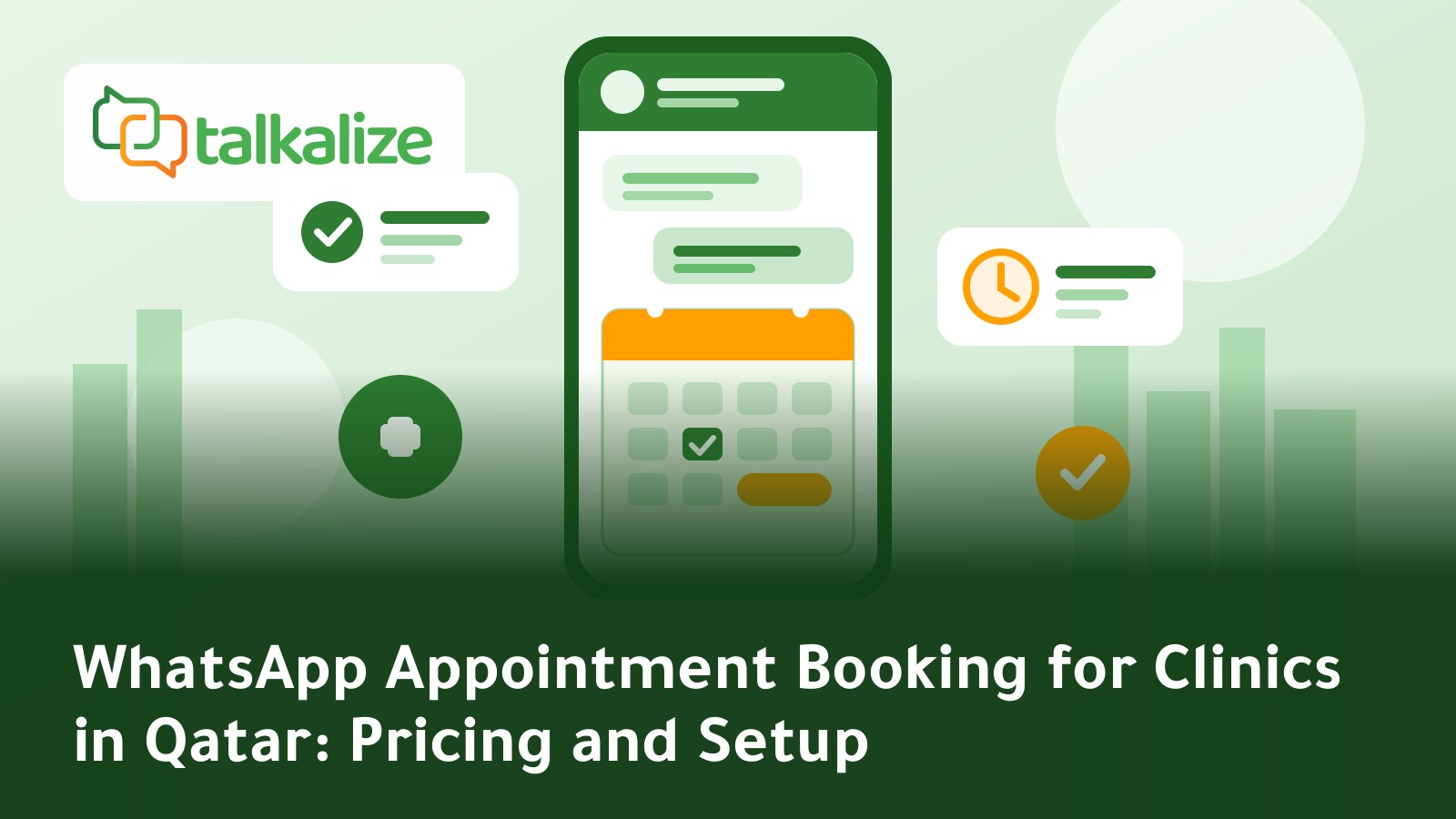
Clinics in Qatar can run WhatsApp appointment booking for clinics in Qatar on the official WhatsApp Business API with Talkalize: patients pick a slot inside the chat, then get an automatic confirmation and reminder, with notification messages starting at $0.0102 each (Utility). Flows + Booking is included in the Growth plan at $89 per month.
WhatsApp appointment booking for clinics in Qatar: quick facts
- Confirmation and reminder price: Utility messages to Qatar numbers range from $0.0118 at 100 messages down to $0.0102 at high volume.
- Patient replies: a reply inside the 24-hour window after the patient's message is a Service message at $0.0013 to $0.0011.
- Plan needed: Flows + Booking is not included in Starter; it is included in Growth ($89/month or $959/year).
- Front-desk team: Growth gives 5 inbox users on a shared inbox, so several receptionists can work one number.
- No minimum: messaging fees are paid from your wallet, pay as you go.
- Free trial: 7 days to test the platform before you commit.
Why WhatsApp works for clinic bookings
Most patients in Qatar already use WhatsApp every day, so there is no new app to download and no waiting on hold. Clinics face the same loop: reception is busy at peak hours, patients ask which slots are free, then forget the appointment and the chair sits empty. Moving booking into WhatsApp keeps everything in one place: the question, the slot, the confirmation and the reminder.
The goal is not to replace your front desk but to take the repetitive questions off it. The system handles routine questions (hours, specialties, location) and hands over any case that needs a person.
Message prices for clinics in Qatar
Qatar prices are Meta's "Rest of Middle East" rate plus the Talkalize fee, and they fall as volume grows. Last verified: 27 October 2026.
| Message type | Clinic example | Price per message (100 to 100,000 messages) |
|---|---|---|
| Utility | Appointment confirmation, 24-hour reminder, reschedule notice | $0.0118 → $0.0102 |
| Marketing | Check-up reminder campaign or seasonal offer | $0.0443 → $0.0382 |
| Service | Answering a patient question within 24 hours | $0.0013 → $0.0011 |
| Authentication | OTP code for a patient portal login | $0.0118 → $0.0102 |
Worked example: a clinic sending 1,000 confirmation and reminder messages a month would pay at most about $11.80 in message fees (1,000 × $0.0118) at the top price in the table; the actual rate depends on your volume tier in the pricing calculator.
Which plan does a clinic need?
| Feature | Free (7 days) | Starter $49/mo | Growth $89/mo |
|---|---|---|---|
| Flows + Booking | Included | Not included | Included |
| Shared inbox users | 1 | 1 | 5 |
| Chat automation | 5 | 50 ready-made | Unlimited |
| AI employee | Included | Limited (100 replies) | Full AI |
| Broadcast campaigns | 1 | 5 / month | Unlimited |
| API calls | 10 | 2K / month | 50K / month |
In short: if you want complete booking inside the chat, Growth is the fit. If ready-made replies and simple notifications are enough, Starter may do. Message fees come from the wallet on both.
How to set up WhatsApp booking, step by step
- Start the free trial: create your Talkalize account and connect the clinic's WhatsApp number through the official WhatsApp Business API.
- List services and slots: write down specialties (dental, dermatology, general), appointment length and each doctor's working days.
- Build the booking flow: the patient chooses the service, then the day, then the time, and enters a name and file number if they have one.
- Prepare templates: an appointment confirmation, a one-day reminder and a reschedule template. Templates need Meta approval.
- Turn on the shared inbox: add your receptionists so they take over cases the flow does not cover.
- Collect opt-in: ask patients to agree to WhatsApp messages at registration or booking.
- Review weekly: see which questions patients still hand to staff and add them to the flow.
Example confirmation template
Keep the template short and limited to the essential variables:
Hello {{1}},
Your appointment at {{2}} is confirmed for {{3}} at {{4}}.
To change or cancel, reply "change".
This goes out as a Utility message. If the patient replies within 24 hours, the reply is counted as a much cheaper Service message.
Use cases for clinics in Qatar
Dental clinic
The patient picks the visit type (check-up, cleaning, braces) and then a free slot. The day before, a reminder arrives; after the visit, a message with aftercare instructions.
Dermatology and aesthetics
Some treatments need follow-ups every few weeks. A reminder for the next session can go out as a Marketing message to patients who opted in, with a button that opens the booking flow directly.
Medical laboratory
The patient books a sample collection time and receives fasting and preparation instructions in a separate message. When results are ready, a notification says so, without putting sensitive medical data in the message text.
Physiotherapy centre
A patient who needs 8 to 10 sessions benefits from an automatic reminder before each one, which lowers no-shows and cuts phone calls to reception.
AI employee or fixed flow?
A fixed flow is ideal for booking because every patient goes through the same steps. An AI employee suits free-form questions such as "Do you accept this insurance?" or "What is the earliest slot with the paediatrician?". You can combine them: the patient starts with a free question, then the AI moves them into the booking flow. For details, read our guide to an AI employee on WhatsApp in Qatar.
When another option may fit better
If your clinic already has an integrated scheduling system tied to the medical record and all patients book there, you may not need a new tool for booking itself, and WhatsApp can be limited to reminders and notifications. If you have only a handful of appointments a day, the regular WhatsApp Business app without an API may be enough. Always check Qatar's health-sector requirements for patient data before sending; that responsibility stays with the clinic.
Practical tips to improve attendance
- Send the reminder 24 hours before, and a second one two hours before for early appointments.
- Add a simple way to cancel in every message; early cancellations free the slot for another patient.
- Keep sensitive medical details out of the message text; use the clinic name and time only.
- Match the patient's language, Arabic or English; many residents in Qatar prefer English.
- Pair booking with other notifications, as explained in WhatsApp order notifications in Bahrain; the same logic applies to appointments.
What the patient experiences, from the first message
- The patient sends "I need an appointment" to the clinic's WhatsApp number.
- The system replies instantly with the available services and asks them to pick one.
- It shows free days and times, and the patient chooses what suits them.
- A confirmation arrives with the clinic name, date and time.
- The day before, a reminder arrives with an option to change or cancel.
None of this requires a receptionist to pick up the phone, and staff stay ready for any special case that lands in the shared inbox.
Worked example for a mid-sized clinic
Suppose a clinic sends 500 confirmations and 500 reminders a month, so 1,000 notification messages, and receives patient replies inside the 24-hour window. The notifications are billed as Utility and the replies as Service at a much lower price. On top of that the clinic pays the monthly plan, which is $89 for Growth. Compare that with the cost of phone calls, reception time and missed appointments in your own clinic, then decide. We suggest using the free 7-day trial first to measure your real message volume.
Common mistakes to avoid
- A flow that is too long: every extra question loses patients; keep booking to three or four steps.
- Vague templates: a message without the clinic name and time can look like it came from an unknown sender.
- Sending marketing to people who did not opt in: rely on recorded consent only; it protects your number's standing with Meta.
- Ignoring the shared inbox: automation reduces the load but does not remove the need for someone to handle special cases.
- Not measuring results: compare no-shows before and after launch and keep your own numbers to decide whether a plan upgrade is worthwhile.
What about other countries?
If you operate in more than one country, see our guides to WhatsApp appointment booking for clinics in the UAE and for clinics in Syria, since prices differ by country. For a wider cost comparison, read the WhatsApp API pricing guide 2026.
Get started
Try Talkalize free for 7 days, build a booking flow for your clinic, then choose the plan that fits. Pricing and plans are on the pricing page.
Frequently Asked Questions
How much does a WhatsApp appointment confirmation cost in Qatar?
A Utility message to Qatar numbers starts at $0.0118 at 100 messages and falls to $0.0102 at high volume, paid from your Talkalize wallet.
Do I need the Growth plan for WhatsApp booking?
Flows + Booking is not included in Starter. It is included in Growth ($89/month) and in the 7-day free trial.
Can several receptionists use one WhatsApp number?
Yes. Growth gives 5 inbox users on a shared inbox; Free and Starter give one.
Can appointment reminders be sent automatically?
Yes. Reminders are sent as Utility templates approved by Meta, and you can schedule them a day or a few hours before the appointment.
What happens if the patient replies to the reminder?
A reply within 24 hours counts as a Service message at $0.0013 to $0.0011, and the automation or a team member can continue the chat.
Do patients need to opt in to WhatsApp messages?
Yes. You need opt-in consent before messaging, ideally collected at registration or first booking.
Is there a minimum wallet top-up?
No. It is pay as you go with no minimum, and you can start with a free 7-day trial.