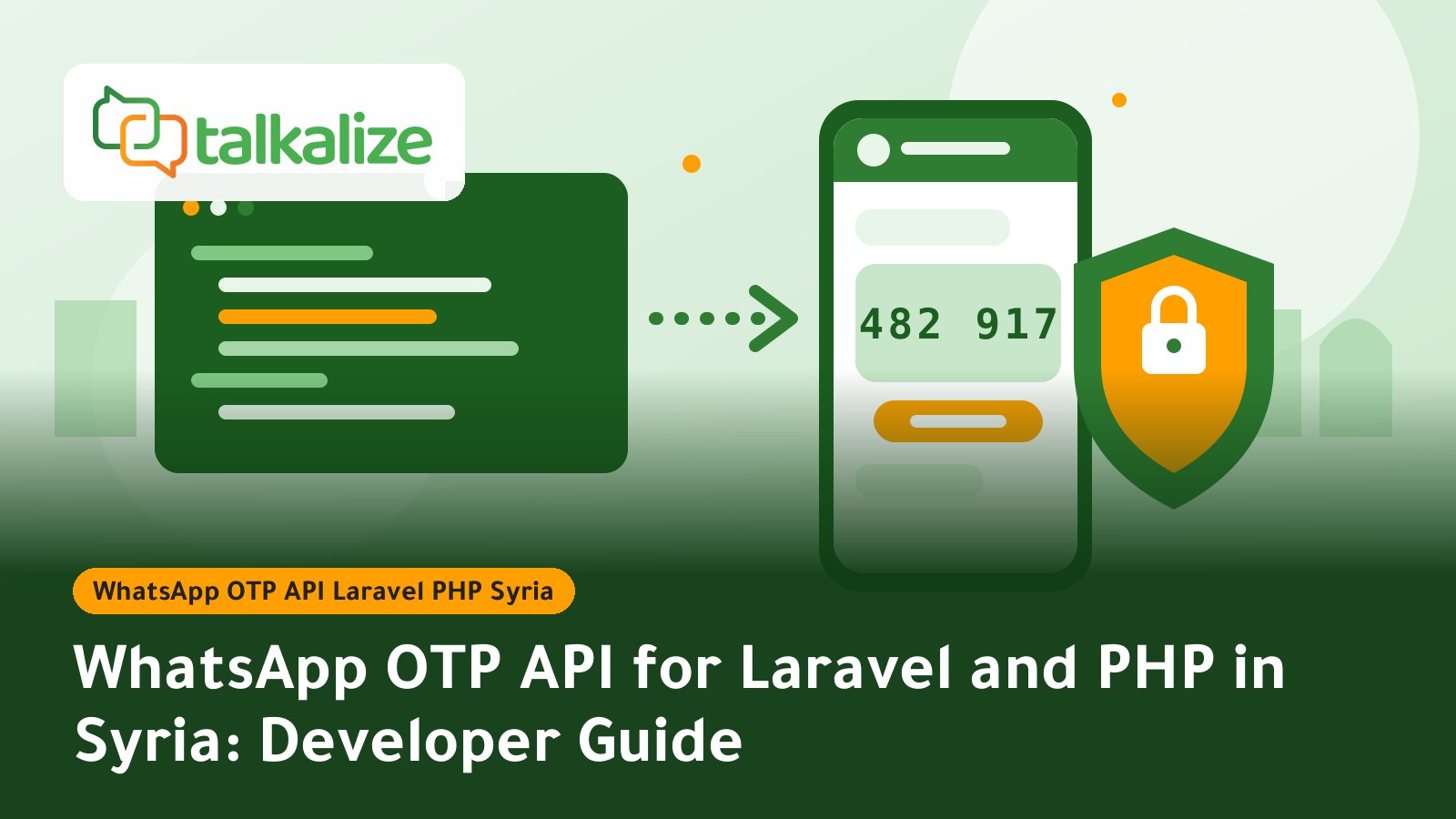
You can send WhatsApp OTP codes from a Laravel or PHP app to Syrian numbers through the official WhatsApp Business API with Talkalize, at prices starting from $0.0102 per message, or a 1,000-message OTP bundle for $12 with no expiry. Your app generates and stores the code hashed, then asks Talkalize to deliver it using an approved Authentication template.
This guide is for developers searching for a WhatsApp OTP API for Laravel and PHP in Syria: what you need before you start, how to build the sending and verification logic safely, what it costs, and when SMS still makes sense as a fallback.
Quick facts before you write code
- Price: a WhatsApp OTP to Syria costs $0.0102–$0.0109 depending on volume (Meta fee plus Talkalize fee).
- Starter bundle: 1,000 OTP messages for $12; credit stays in your Talkalize wallet until used.
- Template: codes go out in an Authentication-category template with copy-code and one-tap autofill support.
- Stack: it is a plain REST API, so it works with PHP, Laravel, Node.js, Python, Flutter and more.
- Delivery tracking: message status can be received through webhooks.
- Official only: sending uses the official WhatsApp Business API (Meta Cloud API), never unofficial tools.
WhatsApp OTP price for Syria (last verified: 26 October 2026)
| Volume | Authentication (OTP) price per message, USD |
|---|---|
| 100 messages | 0.0109 |
| 1,000 messages | 0.0106 |
| 5,000 messages | 0.0105 |
| 10,000 messages | 0.0104 |
| 50,000+ messages | 0.0102 |
Pay as you go has no minimum; you top up the wallet. The 1,000-message bundle at $12 suits testing or a small launch. Full details are in WhatsApp OTP price for Syria.
What you need before connecting WhatsApp OTP to Laravel
The code is the easy part; approvals take longer, so start with them:
- A Talkalize account with your WhatsApp Business number connected.
- An Authentication template approved by Meta, with short text such as "Your verification code is {1}".
- An API key created in the Talkalize dashboard and stored in
.env, not in source code. - Wallet credit; a small balance is enough for testing.
- User phone numbers in international format. Syrian numbers start with 963 and drop the leading zero.
Step by step: sending and verifying OTP in Laravel
- Normalize the number: strip spaces, the + sign and the leading zero so you get something like 963944000000.
- Generate a random code: use
random_int, notrand; it is suited to security use. - Store the hash, not the code: save
Hash::make($code)in cache with a short lifetime of 3 to 5 minutes. - Send through Talkalize: call the send endpoint with the approved template and pass the code as the variable.
- Limit attempts: add a rate limiter on both the request and verify routes, and delete the code after the first success.
- Track status: receive a webhook to know whether the message arrived or failed, and trigger a fallback on failure.
PHP / Laravel code example
The service below is a teaching example. Take the exact request field names and send URL from the Talkalize documentation in your dashboard, and put your key where YOUR_API_KEY appears:
<?php
// app/Services/WhatsAppOtp.php
namespace App\Services;

use Illuminate\Support\Facades\Cache;
use Illuminate\Support\Facades\Hash;
use Illuminate\Support\Facades\Http;

class WhatsAppOtp
{
    public function send(string $phone): void
    {
        $code = str_pad((string) random_int(0, 999999), 6, '0', STR_PAD_LEFT);

        // store only the hash, valid for 5 minutes
        Cache::put("otp:$phone", Hash::make($code), now()->addMinutes(5));

        Http::withToken(env('TALKALIZE_API_KEY'))   // YOUR_API_KEY
            ->post(env('TALKALIZE_SEND_URL'), [      // URL from your Talkalize dashboard
                'to'       => $phone,                // 9639XXXXXXXX
                'template' => 'login_otp',           // approved Authentication template
                'language' => 'ar',
                'code'     => $code,
            ])->throw();
    }

    public function verify(string $phone, string $code): bool
    {
        $hash = Cache::get("otp:$phone");
        if ($hash && Hash::check($code, $hash)) {
            Cache::forget("otp:$phone");
            return true;
        }
        return false;
    }
}
In your controller, add two routes: one calls send after validating the number and applying throttle:3,1; the other calls verify and then signs the user in or activates the account. Never return the code in an API response and never write it to logs.
WhatsApp or SMS for verification in Syria?
| Criterion | WhatsApp OTP (Talkalize) | SMS OTP |
|---|---|---|
| Price in Syria | $0.0102–$0.0109 per message | Check the provider's site |
| Autofill | Copy-code or one-tap in the template | Varies by device and app |
| Depends on telecom route | Needs only internet | Depends on the operator's SMS route |
| Status tracking | Webhooks | Varies by provider |
When another option may fit better: if some users have no WhatsApp or no data connection at sign-up, keep SMS or email as a backup. We compare both in detail in SMS alternative for verification in Syria.
Practical use cases in Syria
Delivery apps
Send a 6-digit code at first sign-up and open the order flow right after verification. Keep the code valid for 5 minutes and enable the resend button after 60 seconds.
Online stores
Ask for an OTP when confirming cash-on-delivery orders to cut fake orders, then send shipping updates later with a Utility template at about the same price.
Clinics and appointment booking
Verify the patient's number before confirming the slot, so the next-day reminder reaches a real number.
Money transfer and financial services
Use OTP to confirm sensitive actions such as changing a password or adding a new beneficiary, with a strict attempt limit.
Common mistakes when wiring WhatsApp OTP
- Storing the code as plain text in the database or logs.
- No limit on code requests, which drains your balance during an attack.
- Using an unapproved or wrong-category template, so sending is rejected.
- Not normalizing phone numbers, so messages fail for numbers written in different formats.
- Not telling the user how long the code is valid.
For verification UX see designing a secure and frictionless OTP via WhatsApp and the authentication and OTP guide; for broader planning read planning a reliable WhatsApp API integration.
How much will your OTP budget be?
Estimate cost from new sign-ups plus logins, and add headroom for resends. A worked example using the prices above: an app sending 5,000 codes a month pays about $52.50 at $0.0105 per message, while 10,000 codes cost about $104 at $0.0104. While you are still testing, the 1,000-message bundle at $12 is enough to run registration with a small group before launch. These are approximations from the price table; the live price list on the official page remains the reference.
Code security: what to enforce
- Short lifetime: no more than 5 minutes, and show the user the time limit in the interface.
- Single use: delete the code as soon as verification succeeds.
- Attempt limit: after 5 wrong attempts, require a new code and invalidate the old one.
- Request limit: cap how many codes can be requested per phone number and per IP address within an hour.
- Uniform errors: do not reveal in error messages whether a number is registered with you.
- Key secrecy: keep the API key in environment variables and rotate it immediately if you suspect a leak.
Receiving message status through a webhook
Do not just send the request and wait. Register a webhook URL in Talkalize, receive status updates and match them to the operation ID in your app. If a failure status arrives, offer the user "send another way" and enable email or SMS as a fallback. Make sure the endpoint verifies the request source, replies quickly, and handles the same event twice without side effects.
What about Node.js, Python and Flutter?
The logic is the same in every language: generate a secure random code, store its hash with an expiry, call Talkalize's REST API, then compare the entered code with the hash. In Node.js use crypto.randomInt; in Python use the secrets module. In Flutter apps never put the API key inside the app itself; let your backend call Talkalize and hold the key, because anything shipped inside an app can be extracted.
Tips to raise verification success
Keep the template text short and clear, because the user only wants the code. Show the code input right after sending, with a countdown, and enable autofill where the template supports it. If a user requests a code twice in a row, do not keep two valid codes alive; invalidate the first when the second is issued. Finally, watch the share of users who request a code but never finish verification: a high share can point to a phone-number format problem or an unclear interface.
Pre-launch checklist
- Test sending to at least two Syrian numbers and several input formats.
- Confirm the template is approved in Arabic and any other language you use.
- Test expiry, wrong code and resend flows.
- Monitor the wallet balance and set an alert before it runs low.
- Prepare a fallback (SMS or email) for users who do not receive the code.
Get started
If you are building login or order confirmation for users in Syria, start with the 1,000-message OTP bundle for $12 from Talkalize: Syria WhatsApp OTP page. Full plans and prices are on the pricing page.
Frequently Asked Questions
How do I send a WhatsApp OTP to a Syrian number from Laravel?
Generate a code with random_int, store its hash in cache for 5 minutes, then call Talkalize's REST API with an approved Authentication template to send it to the number in 963 format, and verify later by comparing against the hash.
How much does a WhatsApp OTP to Syria cost?
From $0.0102 to $0.0109 per message depending on volume, or a 1,000-message OTP bundle for $12 with no expiry.
Do I need an approved template to send a verification code?
Yes. Codes are sent with a Meta-approved Authentication template, which supports copy-code and one-tap autofill.
Does it work with plain PHP, Node.js and Flutter?
Yes, it is a standard REST API so it works with any language. In Flutter call Talkalize from your backend and never ship the API key inside the app.
How do I know the message was delivered?
Register a webhook URL in Talkalize to receive message status updates and match them to the verification attempt in your app.
What is the right format for Syrian phone numbers?
International format: 963 followed by the number without the leading zero, for example 963944000000.
Is there a minimum payment?
No. Pay as you go has no minimum and you top up the wallet; you can also start with the 1,000-message bundle for $12.