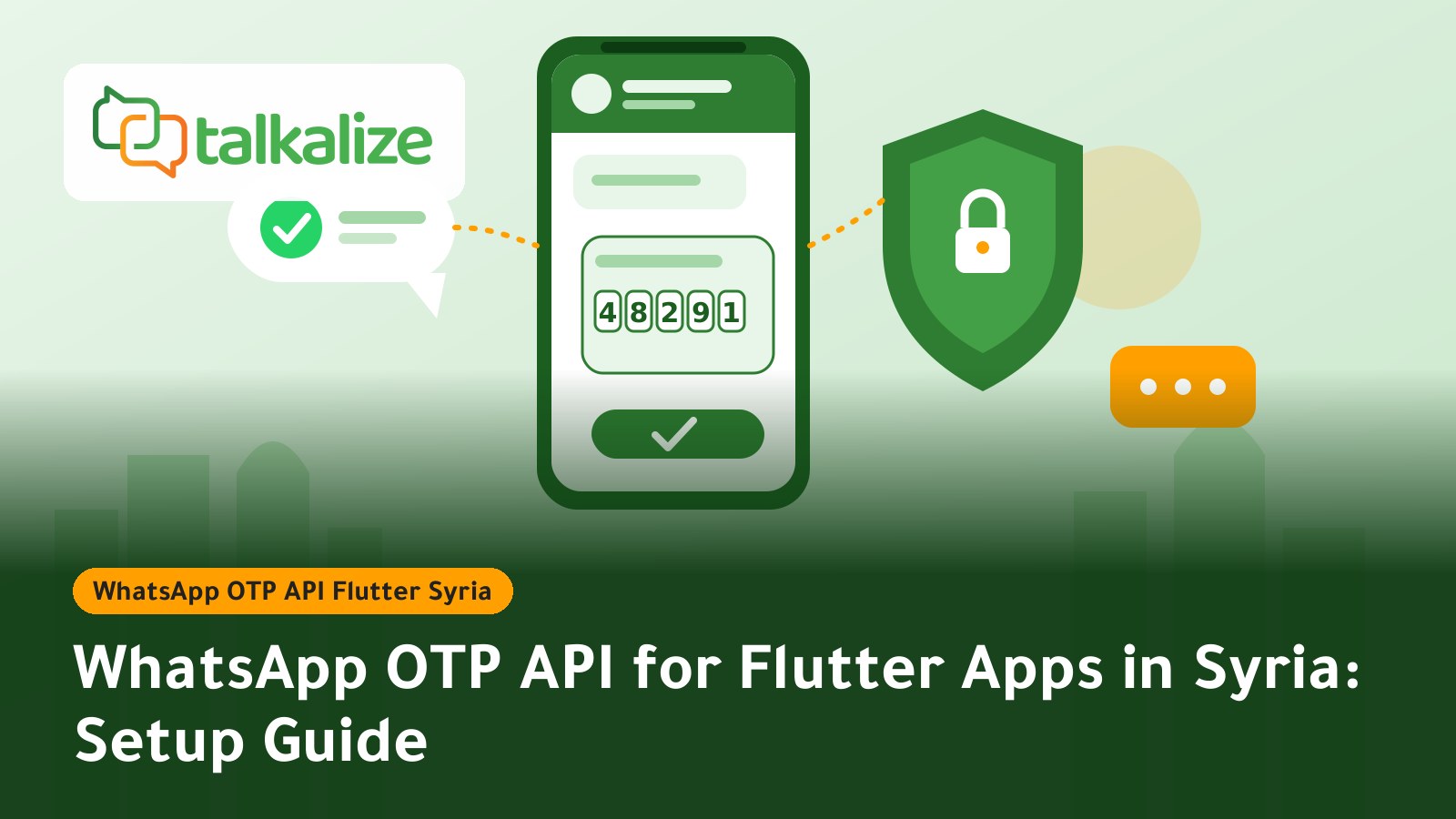
A WhatsApp OTP API for a Flutter app in Syria works like this: your app asks your server for a code, your server sends it through Talkalize to the user's WhatsApp, and the server then verifies the code the user enters. Messages cost from $0.0102 in Syria, and Talkalize offers 1,000 OTP messages for $12 with no expiry. Talkalize is a Meta-verified Tech Provider.
WhatsApp OTP API for Flutter apps: how it actually works
If you are building a delivery, shopping or fintech app in Flutter and need verification codes to reach users in Syria quickly, WhatsApp is often the most practical channel. Most users open it several times a day, while SMS codes can arrive late or not at all. Flutter lets you write one interface for Android and iOS, and the logic that sends and checks the code stays on your server.
This guide is written for product owners, developers and CTOs. It contains no code; we explain the flow in plain language, and our team shares the integration details and helps you test when you activate. To see the service itself, visit the WhatsApp OTP service page.
Key facts
- Cost: $0.0102 to $0.0109 per message in Syria depending on volume (Meta fee plus Talkalize fee).
- Starter bundle: 1,000 OTP messages for $12, no expiry; the credit stays in your wallet until used.
- Compliance: sending goes through the official WhatsApp Business API (Meta Cloud API), not unofficial tools.
- User experience: authentication templates with copy-code and one-tap autofill.
- Minimum: none; you top up the wallet and pay as you go.
- Integration: REST API and webhooks, with Arabic and English support.
OTP message prices in Syria
Last verified: 28 October 2026.
| Messages | Authentication (OTP) price per message | Approximate cost |
|---|---|---|
| 100 | $0.0109 | $1.09 |
| 1,000 | $0.0106 | $10.60 |
| 5,000 | $0.0105 | $52.50 |
| 10,000 | $0.0104 | $104 |
| 50,000+ | $0.0102 | $510 per 50,000 |
The middle column is the per-message price; the cost is simply that price times your message count. The $12 bundle suits teams that want to start without calculations: 1,000 messages ready in the wallet. Details are on the Syria WhatsApp OTP page (Arabic).
Steps to connect WhatsApp OTP to a Flutter app
- Create your account and connect a number: sign up with Talkalize and link your business number through the official API. You can try the platform free for 7 days.
- Get an authentication template approved: a short OTP message in Arabic or English with a copy-code or one-tap autofill button. Meta reviews it before use.
- Top up the wallet: start with the $12 bundle or any amount you need.
- Request your integration details: our team shares them with you, including your access key. Keep the key on your server only and never inside the Flutter app, because anyone can unpack an app and extract it.
- Prepare your server: when a user enters a phone number, the app sends it to your server, which generates a 6-digit code, stores it with an expiry time, and asks Talkalize to send it with one API request.
- Enter the code in the app: the user receives the WhatsApp message, copies the code with one tap or gets it autofilled, and the app sends it to your server for checking.
- Test before launch: try real numbers, an expired code, resend, and several wrong entries.
Why the verification logic stays on the server
The most common mistake in mobile apps is calling the sending service directly from the app. That exposes the access key and lets anyone send messages on your account and drain your balance. The safe design treats the Flutter app as a screen only; the server generates, sends and verifies the code.
Basic code-security rules
- Short validity, 3 to 5 minutes.
- One-time codes, cancelled after use.
- A limit on wrong attempts, then a temporary lock.
- A wait between resend requests, for example 60 seconds, and a daily cap per number.
- Never write the code to error logs or app analytics.
WhatsApp or a ready-made SMS package? A practical comparison
General Flutter packages on pub.dev offer quick integration, but each is tied to an outside provider with its own terms and pricing, and not all of them use the official API. Compare the options like this:
| Criterion | WhatsApp via Talkalize | SMS |
|---|---|---|
| Where the code arrives | Inside WhatsApp, which customers use daily | A text message over the carrier network |
| Entry experience | Copy or autofill with one tap | Varies by device and network |
| Price per message in Syria | From $0.0102 (verified above) | Check the provider's site; prices change |
| Official approval | Meta's official API | Depends on the carrier |
When another option may fit better: if a large share of your users do not have WhatsApp, or you want a backup channel, keep SMS as a secondary fallback next to WhatsApp. We cover this in SMS alternative for verification in Syria.
Use cases in Syria
1. Delivery apps
A restaurant or courier company in Damascus needs to confirm the customer's number on the first order. With WhatsApp OTP the code arrives in seconds, so the customer finishes the order instead of abandoning it over a late message.
2. Online stores
A clothing store in Aleppo wants to verify the buyer's number before cash on delivery to cut fake orders. Verification blocks wrong numbers and makes sure later shipping updates reach the right person.
3. Money transfer and payment services
A small payments app needs a code at login and at every sensitive action. A temporary code adds a layer of security, as long as you follow the rules above.
4. Clinics and booking apps
A booking app verifies the patient's number before confirming an appointment, then sends a reminder through WhatsApp notifications to the same number.
5. Education platforms
A course platform verifies students at sign-up to stop duplicate accounts with fake numbers.
Estimating the cost for your app
Suppose your app signs up 3,000 new users a month and each requests 1.5 codes on average, since some ask for a resend. That is about 4,500 messages, roughly $47 at $0.0105 per message. A small app with 800 messages a month would be covered by the $12 bundle for more than a month. This is an illustrative calculation, not a promise about your usage; the cost follows your request volume.
To compare categories (authentication, notifications, marketing) read WhatsApp Business API pricing in Syria or open the pricing page.
Common problems and how to avoid them
The code does not arrive
Check the wallet balance first, then make sure the number is in full international format with the country code. In Syria some users type an extra zero after the country code, so let the app format the number before sending it to the server. If the template is not yet approved, nothing will be sent.
Users request codes too many times
Disable the resend button with a countdown, and tell the user the code was sent to WhatsApp. This cuts repeat requests and protects your balance from waste.
Users do not look in WhatsApp
Add a simple hint on the entry screen: "Your code will arrive on WhatsApp on the same number", and let users change the number. The clearer the text, the fewer support tickets.
Template wording
Keep the message short and name your app so users do not think it is anonymous. Do not add links or offers to a verification message; it is for authentication only, and promotions belong in WhatsApp marketing campaigns with a separate template.
Pre-launch checklist
- The template is approved by Meta and clearly names your app.
- The wallet has enough balance, with an internal alert when it runs low.
- The access key is stored on the server only.
- Code validity, attempt limits and resend waits are set.
- In-app error messages are clear: "The code expired, request a new one."
- There is a fallback for users who do not receive the code, such as a resend after a wait or contacting support.
- You tested on Android and iOS and on different networks.
A simple template your user sees:
Your verification code for "App Name" is 482913. It is valid for 5 minutes. Do not share it with anyone.
If your server uses another language, see our guides for Laravel and PHP and Node.js and Python; the same principle applies to any server behind a Flutter app.
Get started today
Try Talkalize free for 7 days, then top up the $12 bundle and send your first code to your users. Visit the OTP service page or the Syria WhatsApp OTP page to begin, and our team will help with integration and testing.
Frequently Asked Questions
How much does WhatsApp OTP cost for a Flutter app in Syria?
From $0.0102 to $0.0109 per message depending on volume. Talkalize also offers 1,000 OTP messages for $12 with no expiry.
Should I put the sending key inside the Flutter app?
No. Keep the key on your server only. The app is just a screen that asks your server to send and verify the code.
How long should an OTP stay valid?
Usually 3 to 5 minutes, as a one-time code with a limit on wrong attempts and a wait between resend requests.
Do I need special expertise to connect the service?
You need a server developer who makes one request to send the code and checks it on your side. Our team shares the integration details and helps you test.
Can I try the service before paying?
Yes, there is a free 7-day trial. After that you can top up the wallet with any amount or start with the $12 bundle.
Is WhatsApp better than SMS for verification in Syria?
WhatsApp arrives inside an app customers use daily and supports copy or autofill. You can keep SMS as a fallback for users without WhatsApp.
Is sending done through the official WhatsApp API?
Yes. Sending uses the official WhatsApp Business API (Meta Cloud API), not unofficial tools.