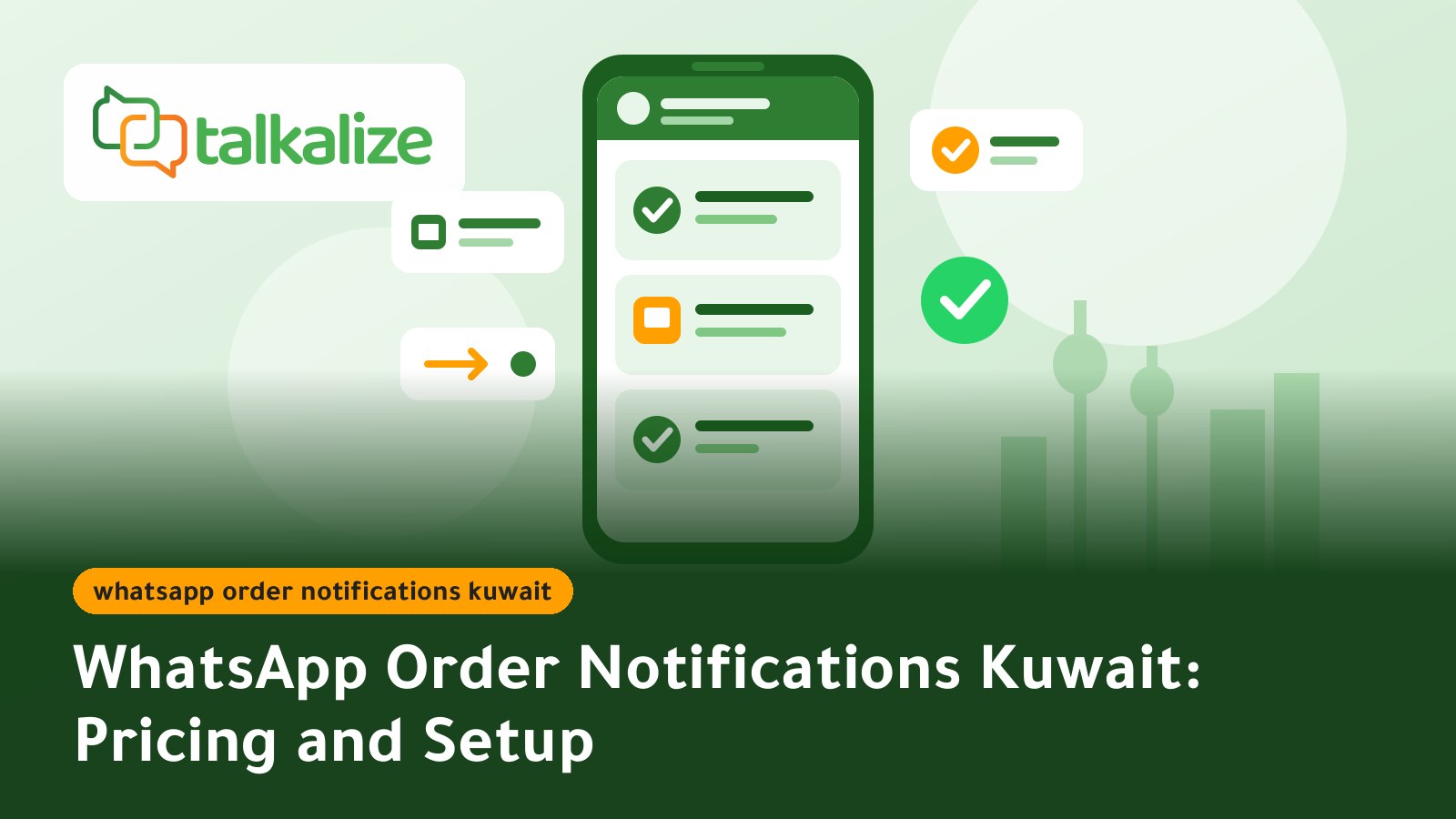
WhatsApp order notifications in Kuwait let your store send order confirmations, shipping updates and delivery messages to customers automatically instead of answering calls one by one. With Talkalize, a utility notification in Kuwait costs from $0.0102 to $0.0118 per message depending on volume, with no minimum, and you can try the platform free for 7 days.
Key facts
- Utility (notification) price in Kuwait: $0.0102 to $0.0118 per message; the more you send, the lower the price.
- Marketing messages cost $0.0382 to $0.0443, and service replies inside the 24-hour window cost $0.0011 to $0.0013.
- Pay as you go from the Talkalize wallet, with no minimum top-up.
- Runs on the official WhatsApp Business API (Meta Cloud API) with Meta-approved templates.
- Talkalize is a Meta-verified Tech Provider with Arabic and English support.
- Free 7-day trial, then Starter at $49/month or Growth at $89/month.
Why Kuwaiti stores need WhatsApp order notifications
Customers in Kuwait expect to know where their order is without asking. When no update arrives, they call or message and repeat the same questions: "Is my order confirmed? When will it arrive?" Those questions eat your support team's time and distract it from selling.
WhatsApp is the app customers already open many times a day, so an order update there gets read faster than an email and is clearer than a short SMS. Because you send through the official API, your store name and logo appear, and the customer can reply to the notification directly if they need something.
The goal is not more messages but the right message at the right moment: confirmation, shipping, out for delivery, delivered.
WhatsApp order notification prices in Kuwait
Each message is billed by its Meta category, and Talkalize's price includes both Meta's fee and the platform fee. All figures are USD per message and apply to Kuwait, Qatar, Bahrain and Oman (Meta's "Rest of Middle East" rate).
| Message type | At 100 messages | At 100,000 messages | Example |
|---|---|---|---|
| Utility (notification) | 0.0118 | 0.0102 | Order confirmation, shipping, delivery, payment receipt |
| Marketing | 0.0443 | 0.0382 | Special offer or reorder reminder |
| Service | 0.0013 | 0.0011 | Reply to a customer question within 24 hours |
Prices last verified on 28 October 2026. See the pricing page for the live calculator.
A worked example for an online store
A store with 1,000 orders a month and three notifications per order (confirmation, shipping, delivery) sends 3,000 messages. Even if every one were billed at the top rate in the table ($0.0118), the total is about $35 a month, under four cents per order for three updates. If a customer replies and your store answers within 24 hours, that answer is billed as a much cheaper service message.
Which plan fits your store
| Feature | Free (7 days) | Starter - $49/mo | Growth - $89/mo |
|---|---|---|---|
| Inbox users | 1 | 1 | 5 |
| Chat automation | 5 | 50 ready-made | Unlimited |
| AI agent | Included | Limited (100 replies) | Full AI |
| Broadcast campaigns | 1 | 5 per month | Unlimited |
| API calls | 10 | 2,000 per month | 50,000 per month |
| Flows + Booking | Included | Not included | Included |
On every plan, messaging fees are paid from the wallet at the rates above. A small store usually starts with the free trial and then Starter; a store that needs several agents on the shared inbox and unlimited automation fits Growth.
How to launch order notifications, step by step
- Create your account and connect your WhatsApp Business number: sign up with Talkalize and link your store's number to the official API. We help with business verification.
- Pick the events worth a notification: order confirmed, payment received, shipped, out for delivery, delivered, cancelled or refunded.
- Write the templates: a short, clear message for each event with placeholders such as customer name and order number, then submit them to Meta for approval. Review is usually quick when the text is clear and not promotional.
- Connect your store: your developer connects your system or store to Talkalize with one API request per event; our team shares the integration details and helps you test. You do not need heavy development work.
- Test on your own number: place a test order and confirm the notifications arrive in order with the right details.
- Monitor and improve: watch sent messages and wallet balance, and adjust wording if customers keep asking the same question after a notification.
Sample shipping notification text
Hello Ahmed, your order 4821 has been shipped from our store. It should reach you within one to two working days. Reply to this message if you need any help.
Use cases in Kuwait
Online stores
A perfume or fashion store sends a confirmation right after payment, a shipping update with a tracking link, and a delivery message asking for feedback. Result: fewer "where is my order?" messages and a team free to sell.
Restaurants and delivery apps
A restaurant sends "order received", "being prepared", then "driver on the way". These short messages cut calls at peak hours and build confidence. For smart replies to restaurant customers, read WhatsApp AI customer service in Kuwait.
Clinics and service centres
A clinic sends an appointment confirmation, a reminder the day before and a payment receipt after the visit. Reminders help reduce forgotten appointments, and the receipt stays in the customer's chat.
Logistics companies
A local courier sends the recipient the expected delivery window and a message when the driver is close. If the recipient is away, they can reply and pick another time.
WhatsApp or SMS for order notifications?
| Item | WhatsApp (Talkalize) | SMS |
|---|---|---|
| Sender identity | Store name and logo on a WhatsApp Business account | Sender name or number |
| Interaction | Customer can reply in the same chat | Often one-way |
| Content | Formatted text, links and buttons | Short text |
| Cost | $0.0102 to $0.0118 per notification in Kuwait | Check your SMS provider's pricing |
We do not claim WhatsApp is cheaper than SMS in every case, since SMS prices vary by provider; compare your current quote with the numbers above. SMS may fit better if many of your customers do not use WhatsApp or if you send very few messages.
How to split store messages between notification, service and marketing
Understanding the categories helps you control the bill. "Your order has shipped" is a utility notification; "20% off this week" is marketing and costs more; your answer to a customer question within 24 hours of their last message is a service message at a very low price. If you mix a promotion into an order update, the message may be billed as marketing or rejected by Meta, so keep the two apart.
A suggested launch plan for the first two weeks
In week one, activate just two messages, order confirmation and shipping, and watch customer questions. In week two add delivery, cancellation and the payment receipt. This way you spot unclear wording early, before it reaches every customer, and the cost stays small while you learn.
Practical tips for notifications customers appreciate
- Send notifications only for real events, and never mix promotions into an order update.
- Keep each message short, with the order number and what happens next.
- Get the customer's consent to receive messages at checkout and keep a record.
- Write in clear Arabic and add an English version for customers who prefer it.
- Pause automated updates for exceptions such as a delayed order and hand the chat to a person.
- Check your wallet balance regularly so notifications do not stop in peak season.
When another option may fit better
If your store sends only a few dozen messages a month, manual replies from the free WhatsApp Business app may be enough. If your store platform already offers a ready notification add-on that meets your needs, make sure it uses the official API and shows its costs clearly. If you want notifications, a shared inbox, automation and AI in one place, that is where Talkalize helps.
Summary and next step
WhatsApp order notifications in Kuwait do not need a big budget: from $0.0102 per message, no minimum, on Meta's official API. For a neighbouring market read WhatsApp order notifications in Bahrain, see how it works elsewhere in order and shipping notifications in Syria, and for the automated replies that follow a notification read WhatsApp chatbot in Saudi Arabia.
Get started with Talkalize: WhatsApp notifications for business with a free 7-day trial, or see the full pricing.
Frequently Asked Questions
How much do WhatsApp order notifications cost in Kuwait?
A utility notification in Kuwait costs from $0.0102 to $0.0118 depending on volume, paid from your Talkalize wallet with no minimum.
Do I need a dedicated number for order notifications?
You need a phone number linked to a WhatsApp Business account on the official API. The Talkalize team helps with setup and verification.
Does Meta have to approve the notification text?
Yes, notifications are sent with Meta-approved templates. Keep the text clear and about the order only to ease approval.
Can customers reply to a notification?
Yes. Customers can reply in the same chat and your agents or automation can answer. A reply within 24 hours is billed as a cheaper service message.
Which plan fits a small store?
Most small stores start with the free 7-day trial and then Starter at $49/month. If you need 5 inbox users and unlimited automation, Growth is $89/month.
Can I connect my online store?
Yes. Your developer connects your system to Talkalize with one API request per event; our team shares the integration details and helps you test.
Is Talkalize an official provider?
Talkalize is a Meta-verified Tech Provider and works through the official WhatsApp Business API.